Effectsv4.0.464
Pixels of canvas-based components can be manipulated using effects.
Supported components
The following components support effects:
<Solid><HtmlInCanvas><Video><Img><CanvasImage><AnimatedImage><Gif><RemotionRiveCanvas>@remotion/shapescomponentsv4.0.474
Usage
Pass effects through the effects prop as an array of effect functions:
MyComp.tsximport {Video } from '@remotion/media'; import {blur } from '@remotion/effects/blur'; export constMyComp :React .FC = () => { return ( <Video src ="https://remotion.media/video.mp4"effects ={[blur ({radius : 40})]} /> ); };
Multipass
Multiple effects can be combined. They apply in the order they are specified.
Available effects
Color
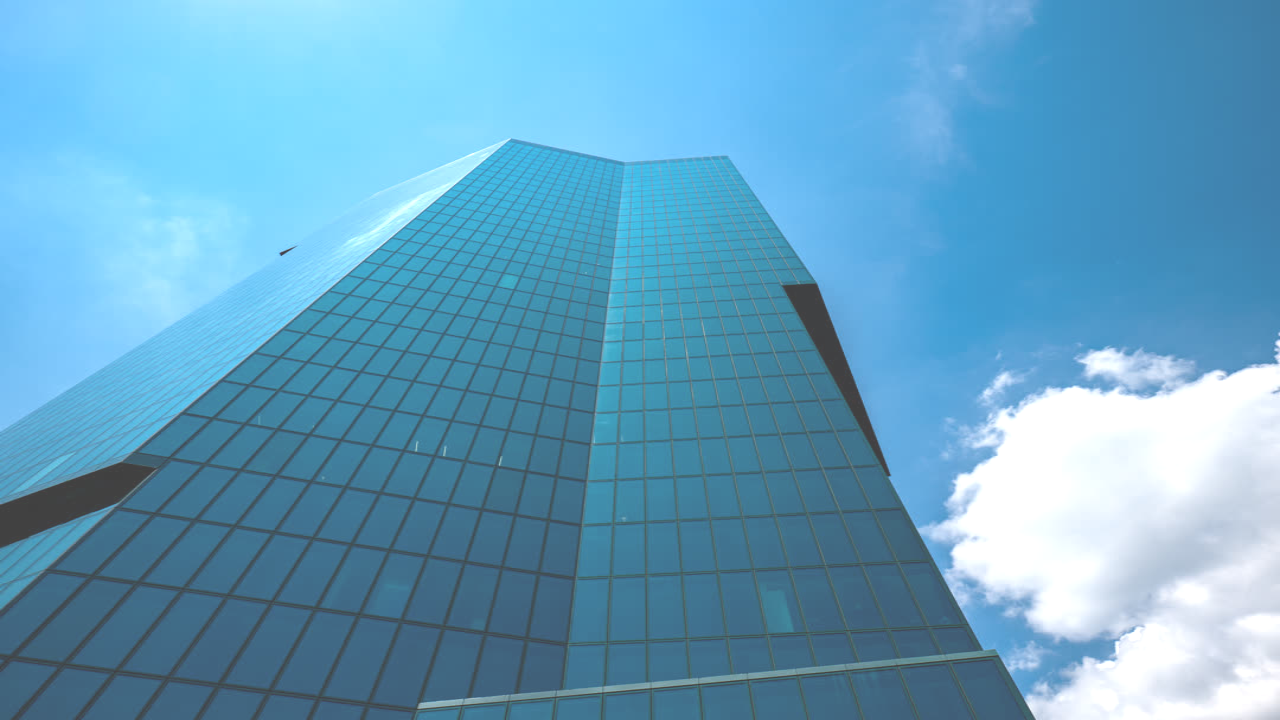
brightness()Brightness adjustment effect
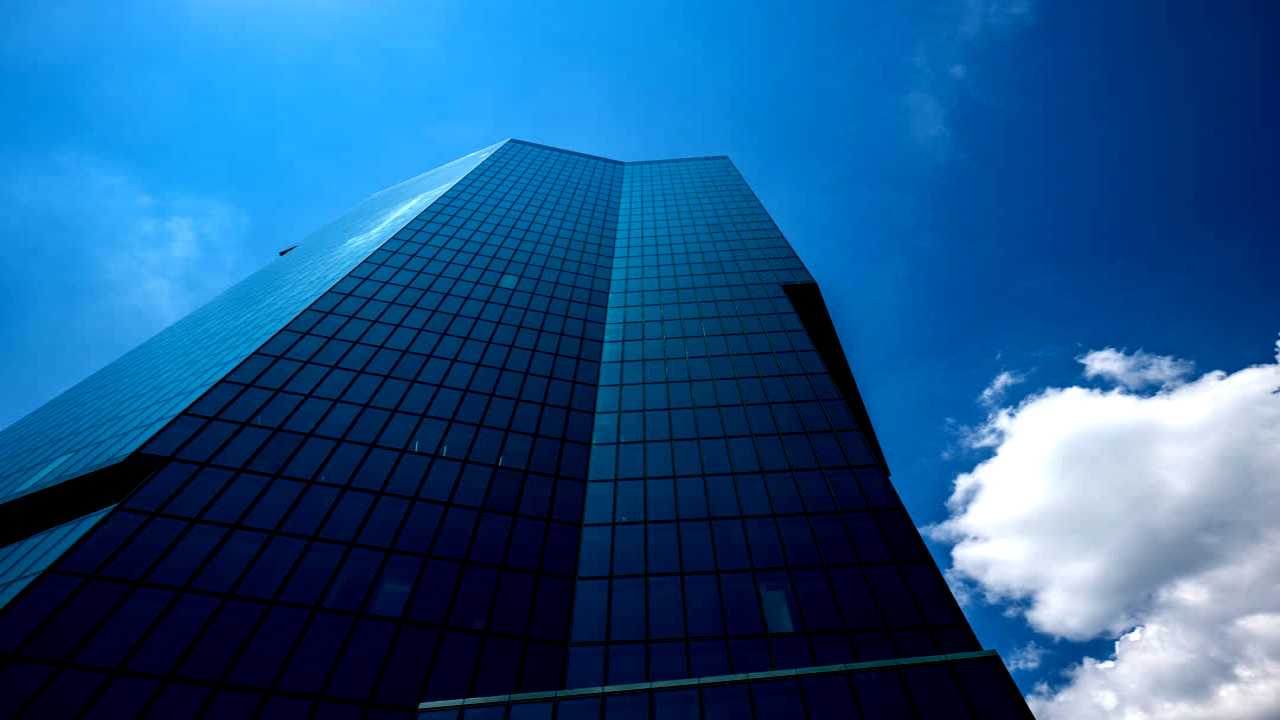
contrast()Contrast adjustment effect
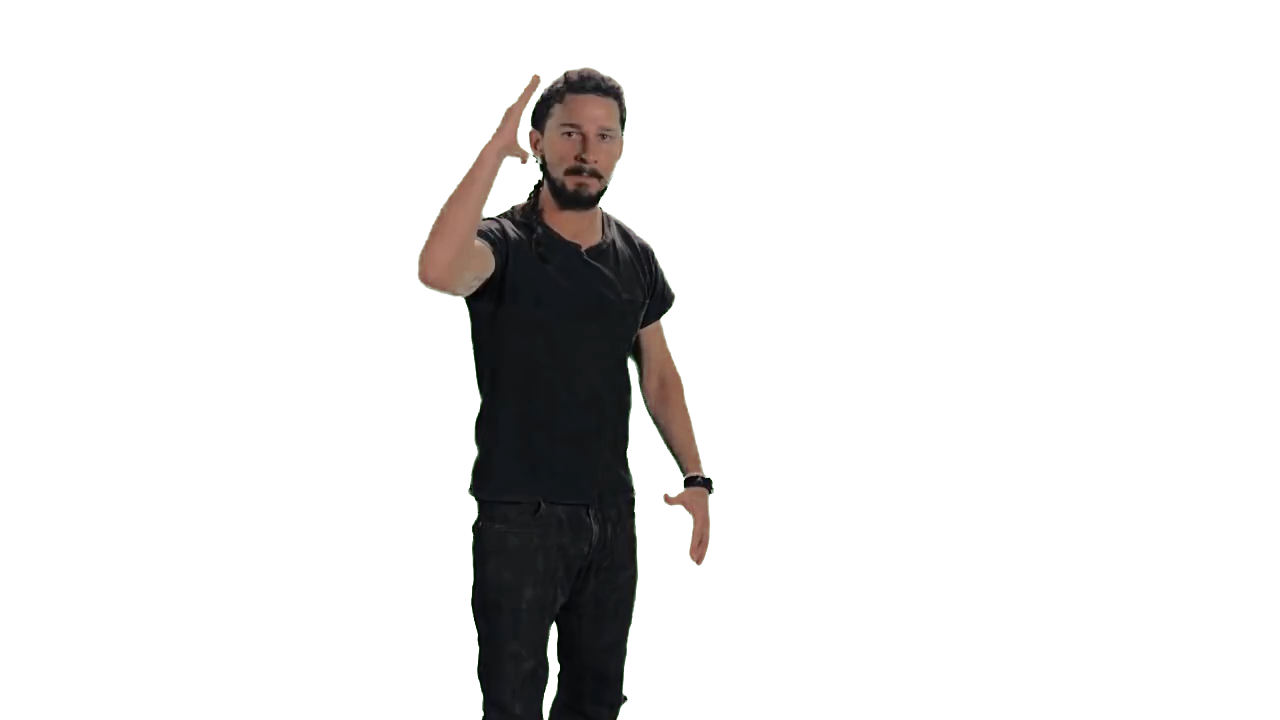
colorKey()Remove a key color (greenscreen)
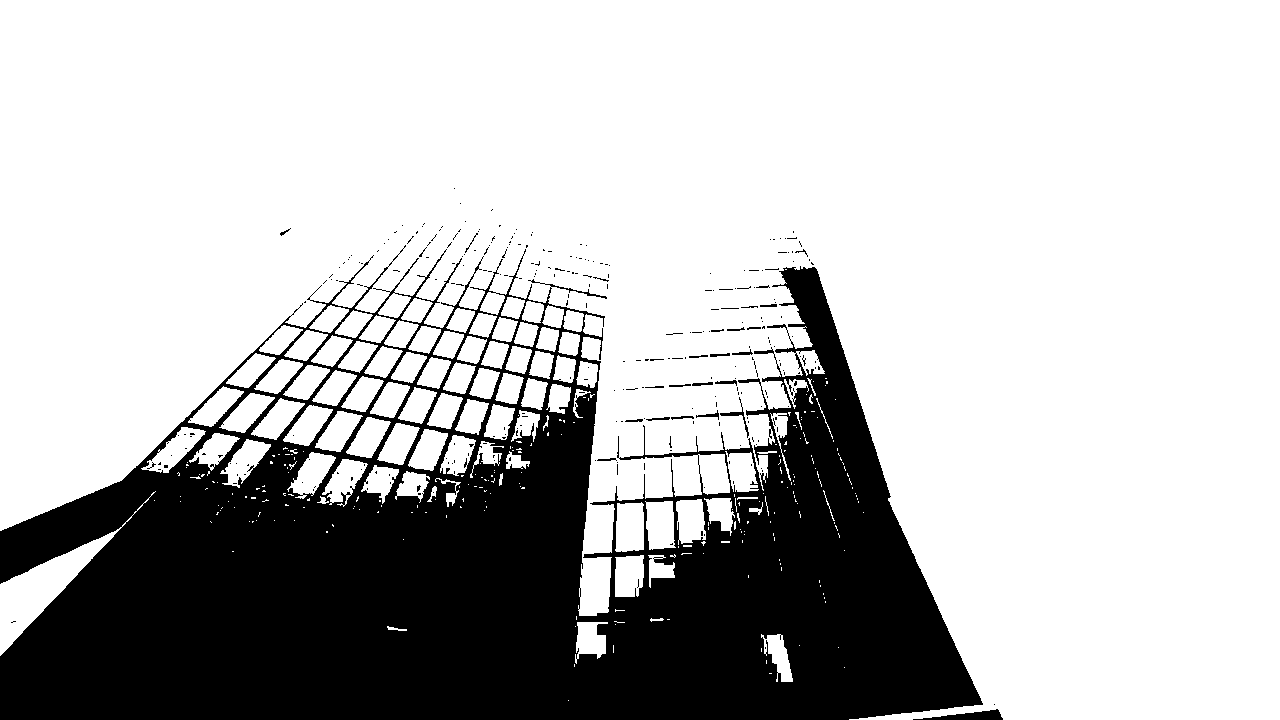
duotone()Two-color threshold effect
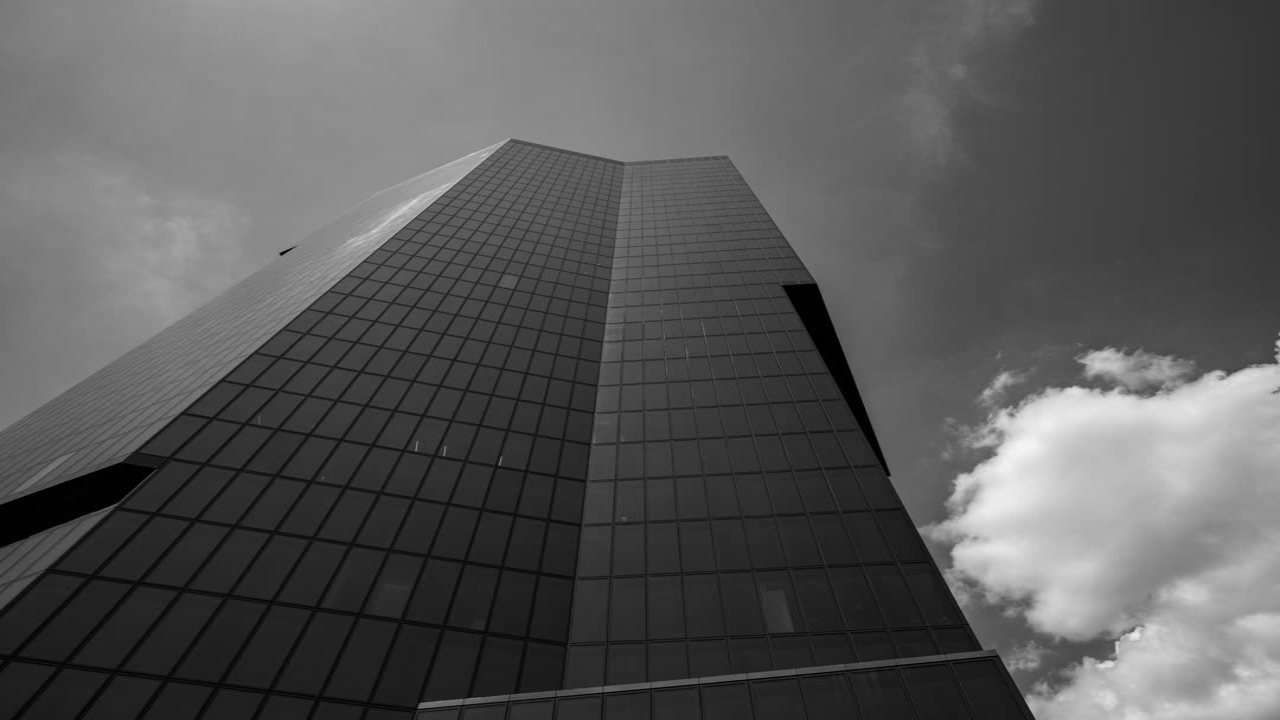
grayscale()Black-and-white effect
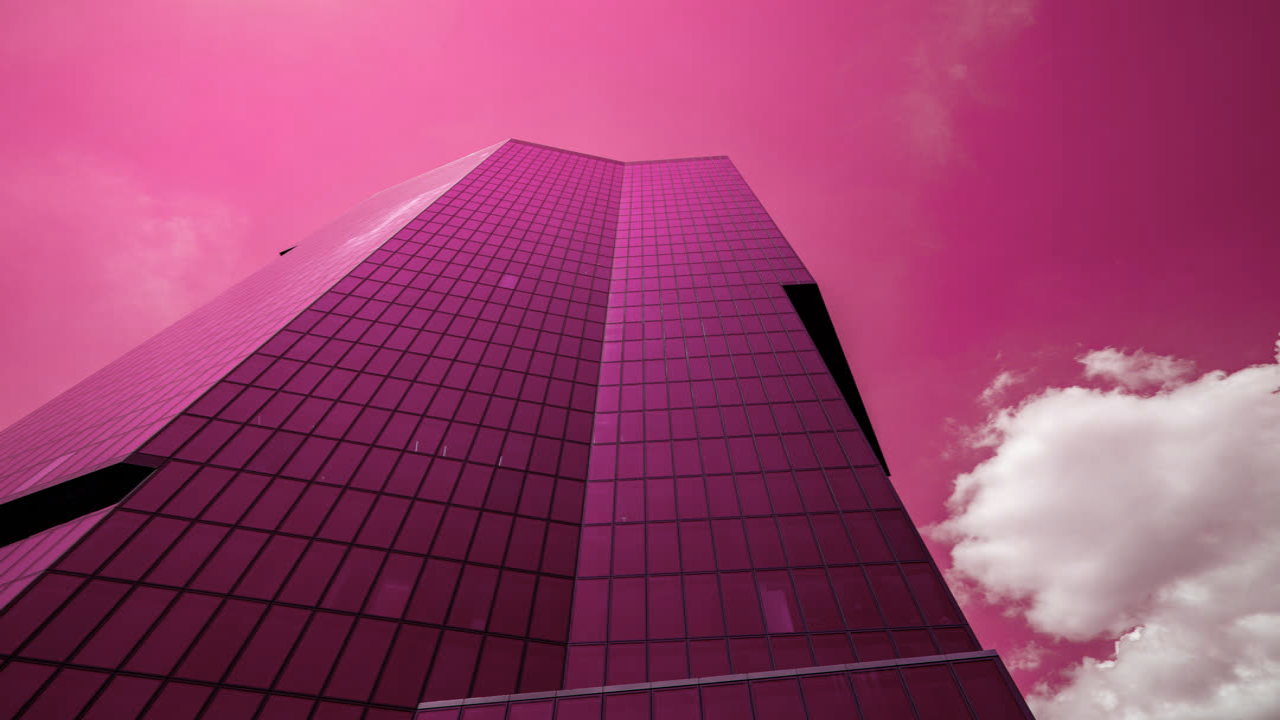
hue()Hue rotation effect
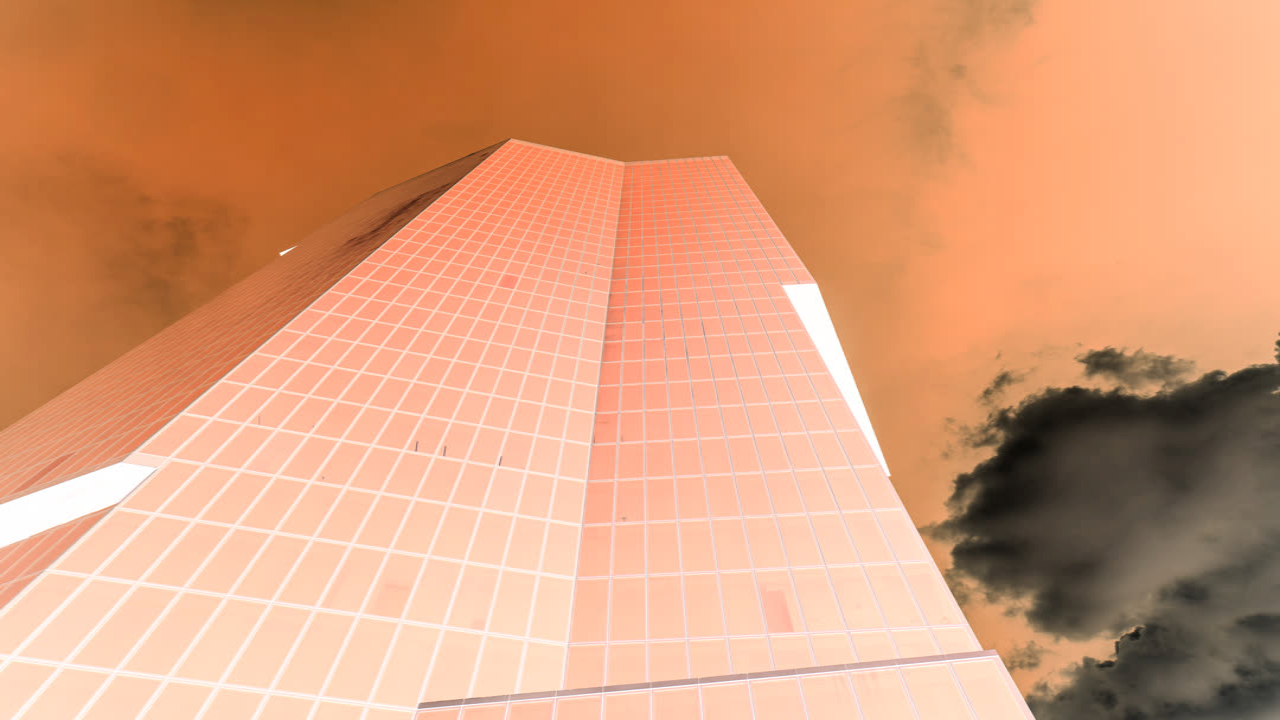
invert()Negative color effect
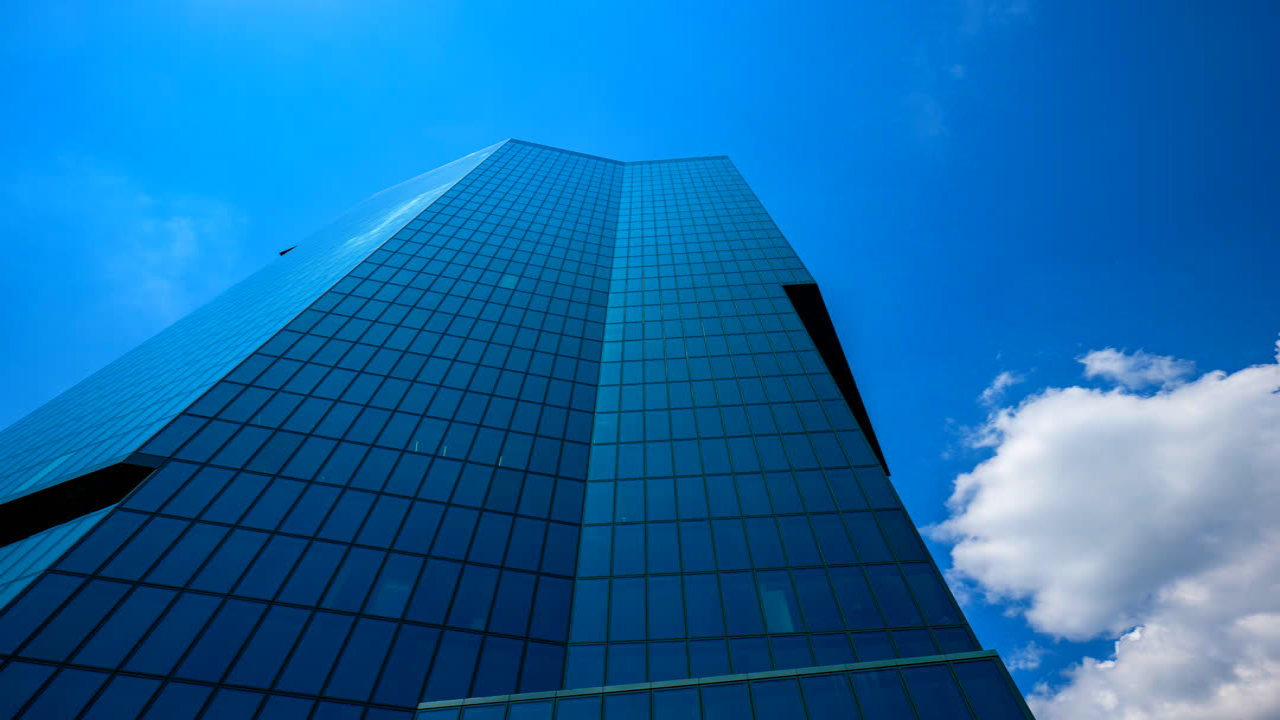
saturation()Saturation adjustment effect
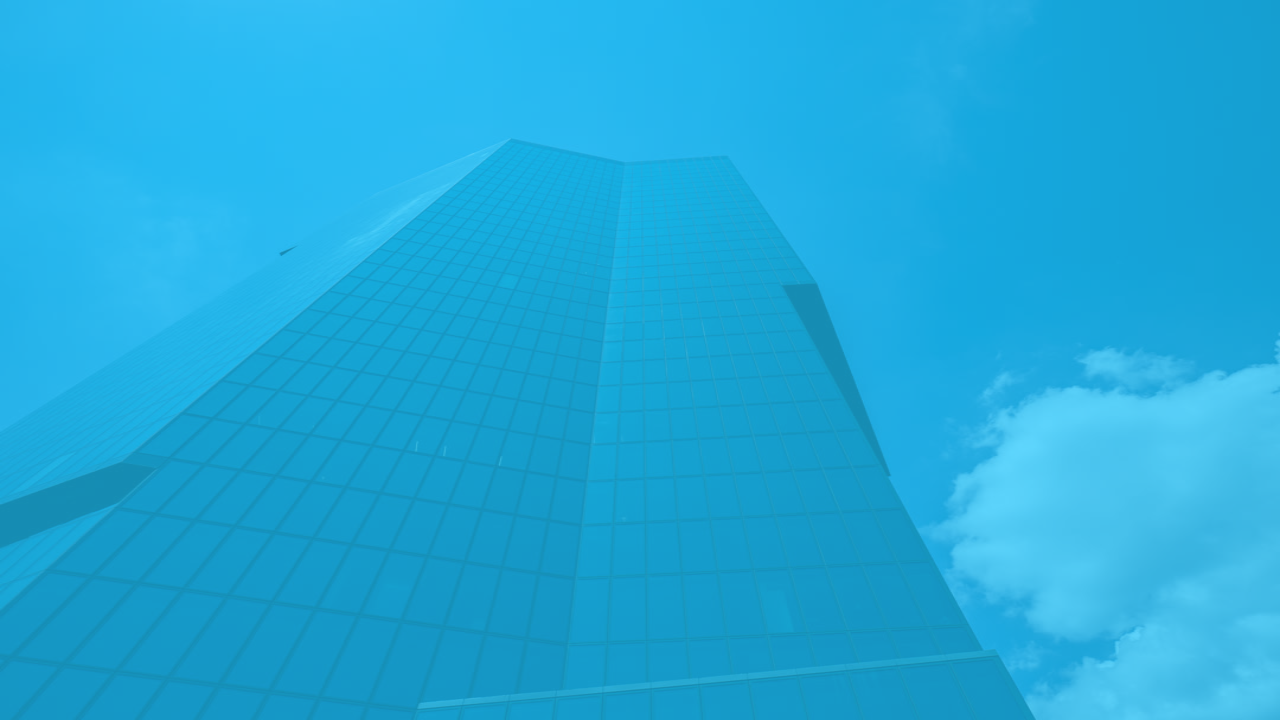
tint()Color tint effect
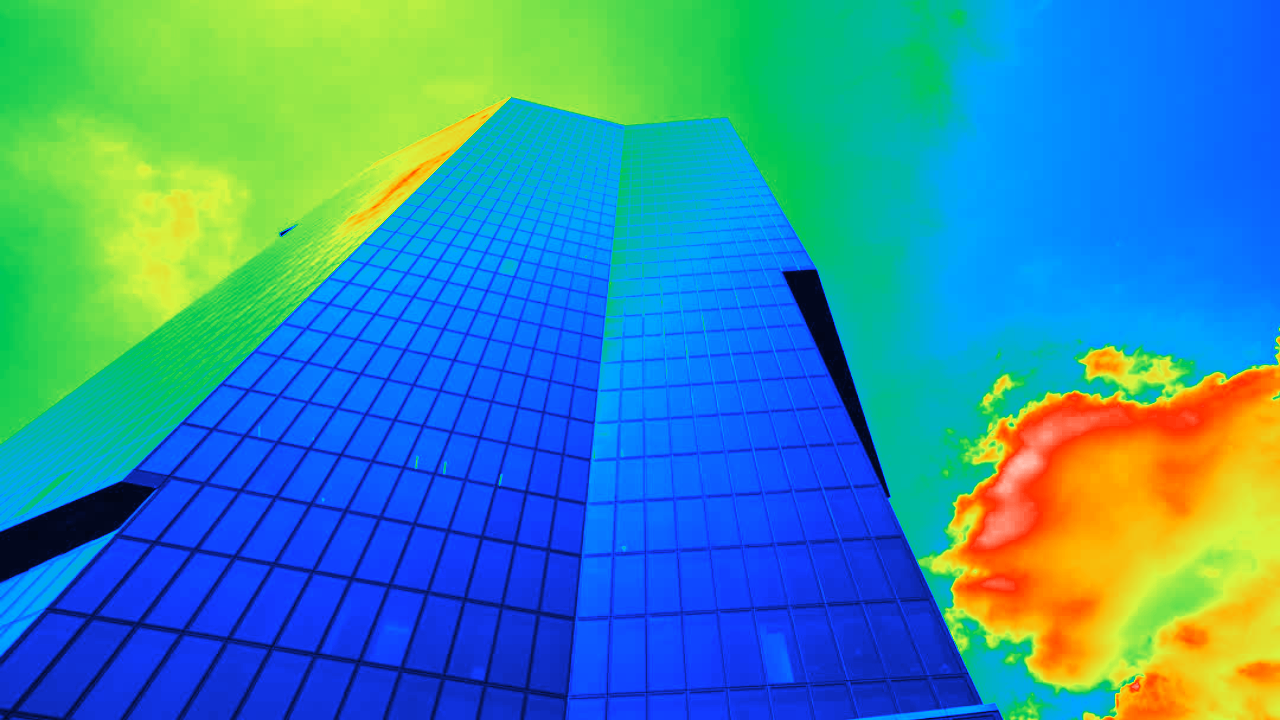
thermalVision()Thermal heat-map color effect
Blur & Shadow

blur()Gaussian blur effect
linearProgressiveBlur()Gradient-controlled blur effect
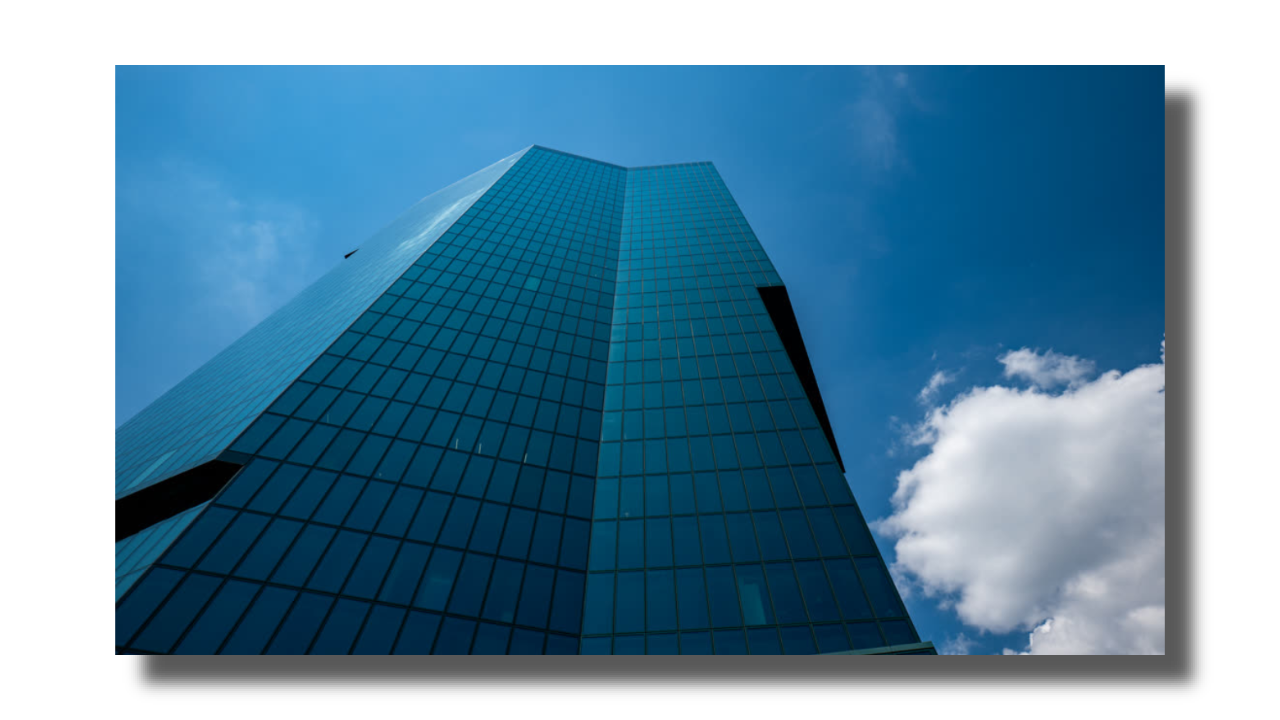
dropShadow()Blurred alpha shadow effect
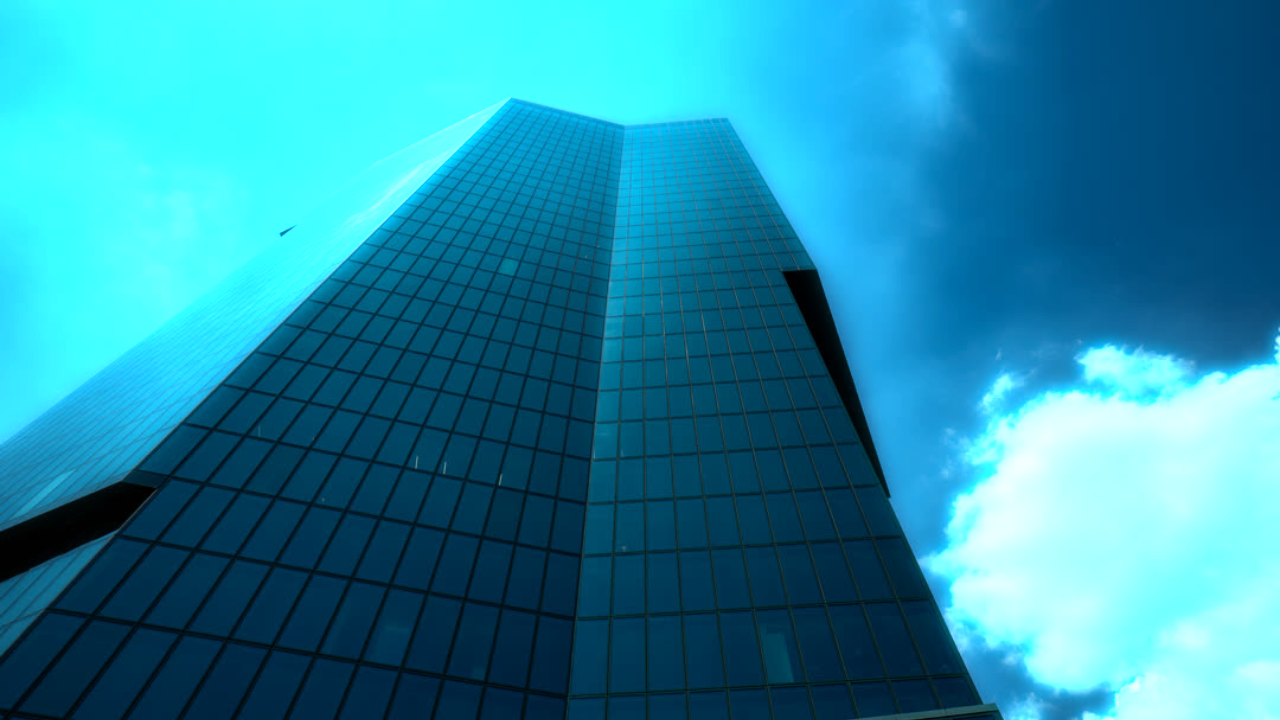
glow()Soft halo effect
Reveal
Transform
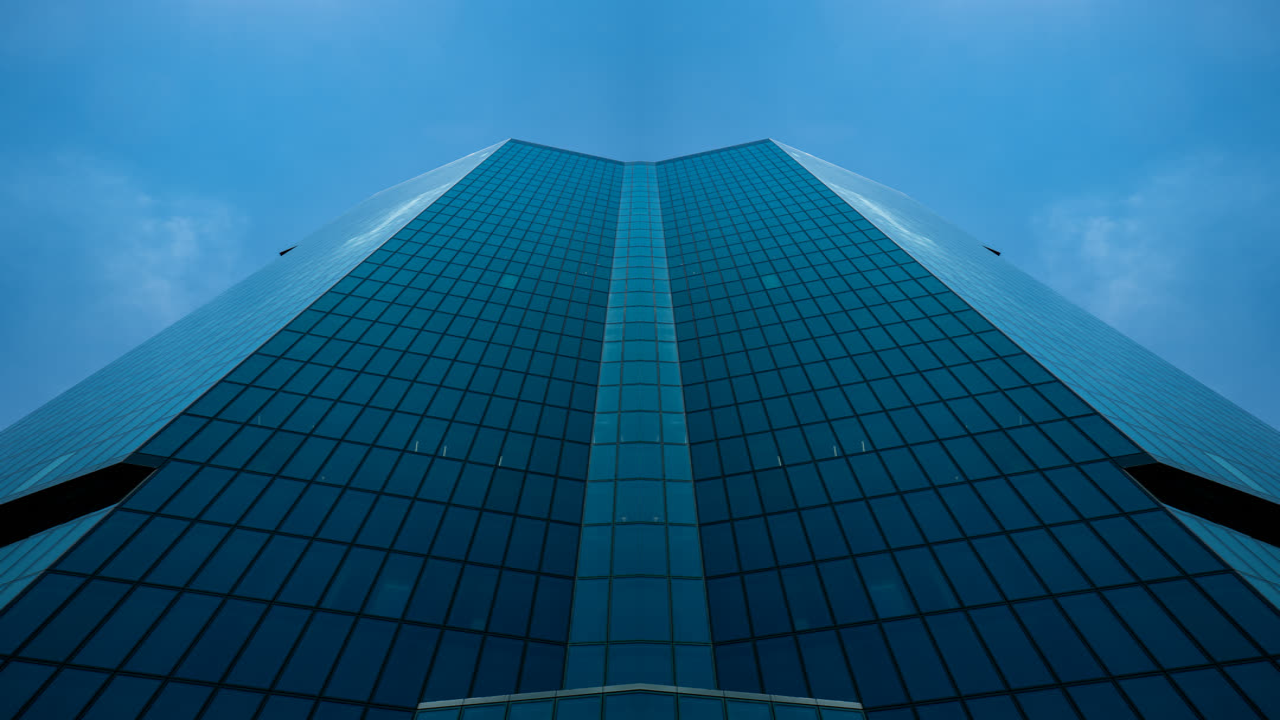
mirror()Mirror reflection effect
scale()Scale transform effect
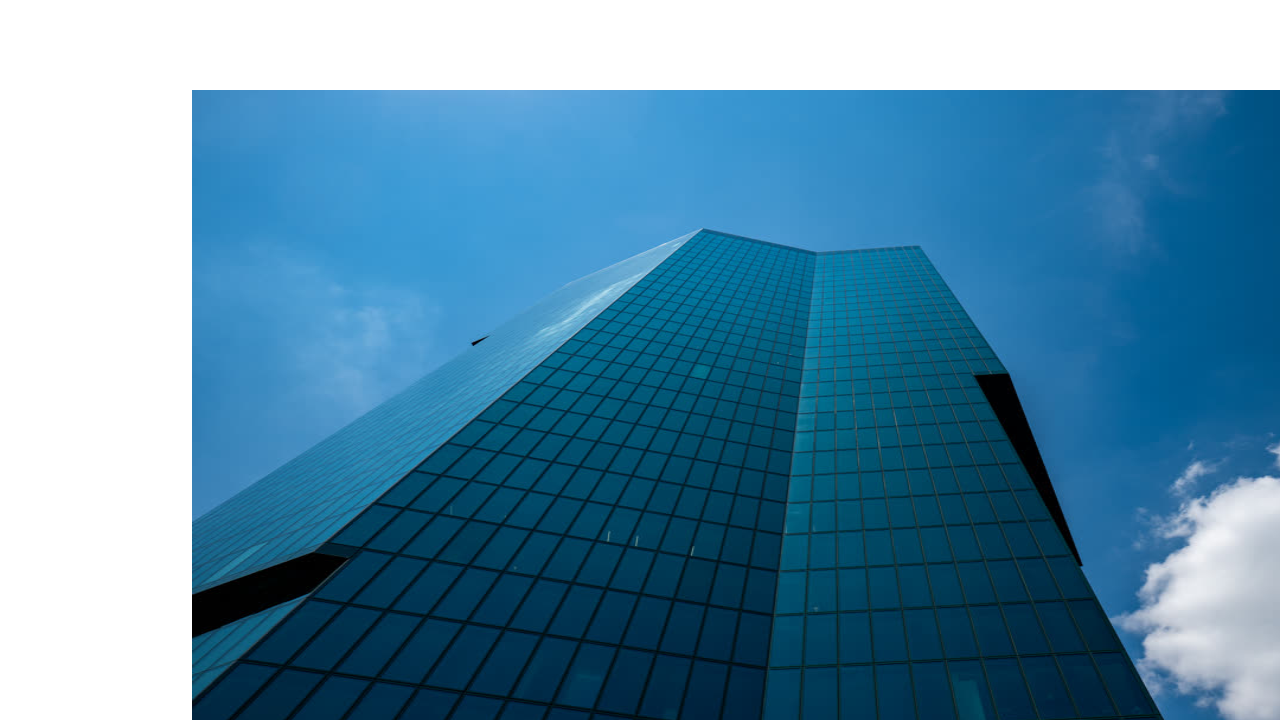
uvTranslate()UV-based translate effect
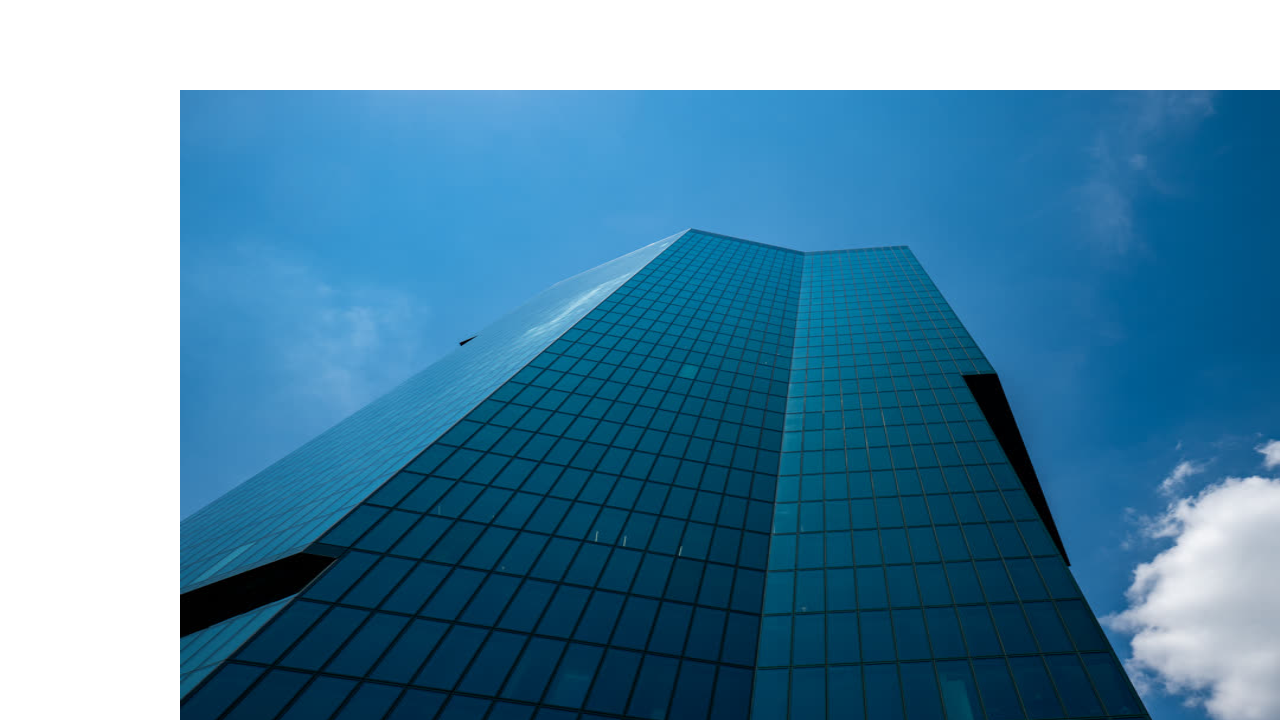
xyTranslate()Pixel-based translate effect
Distort
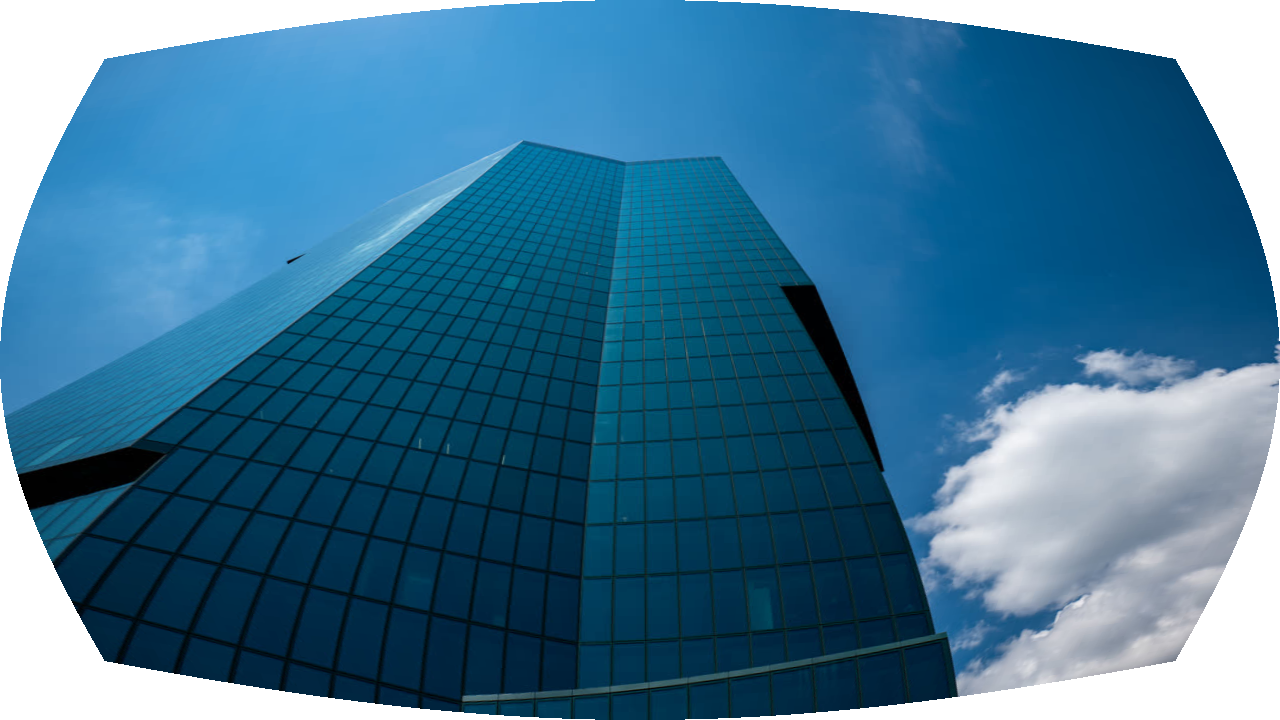
barrelDistortion()Barrel distortion effect
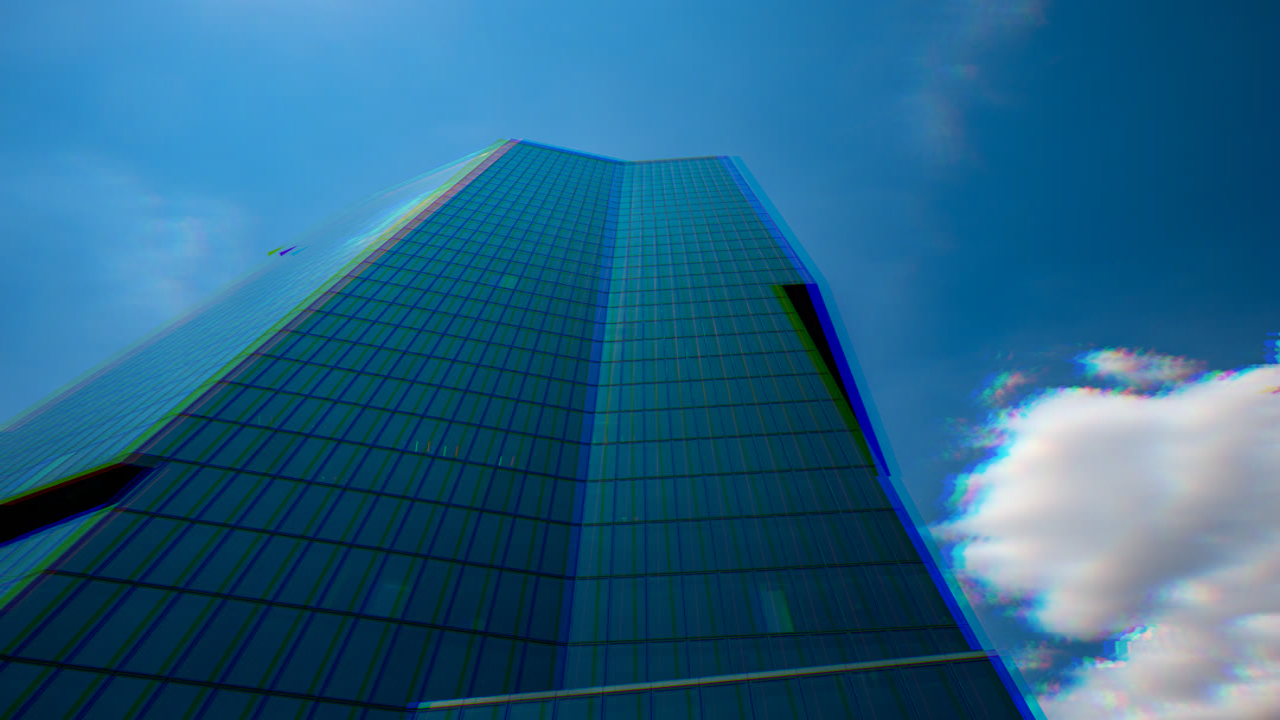
chromaticAberration()RGB channel split effect
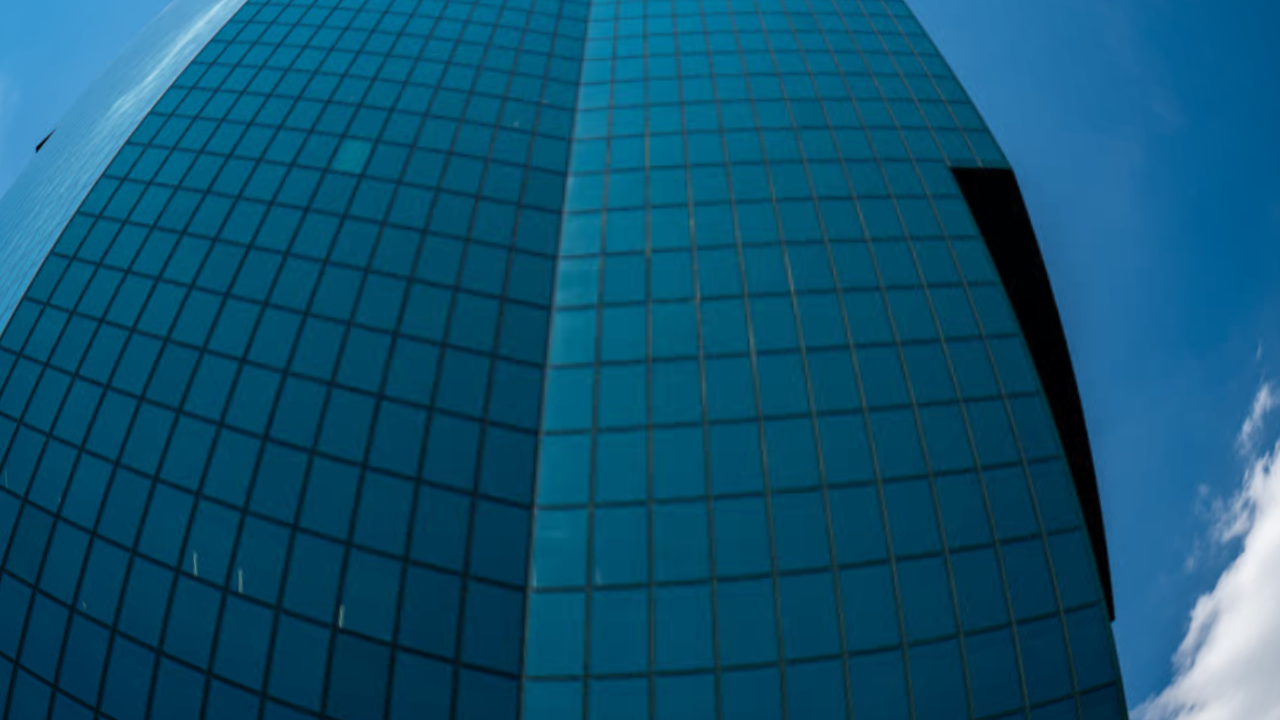
fisheye()Ultra-wide-angle lens effect
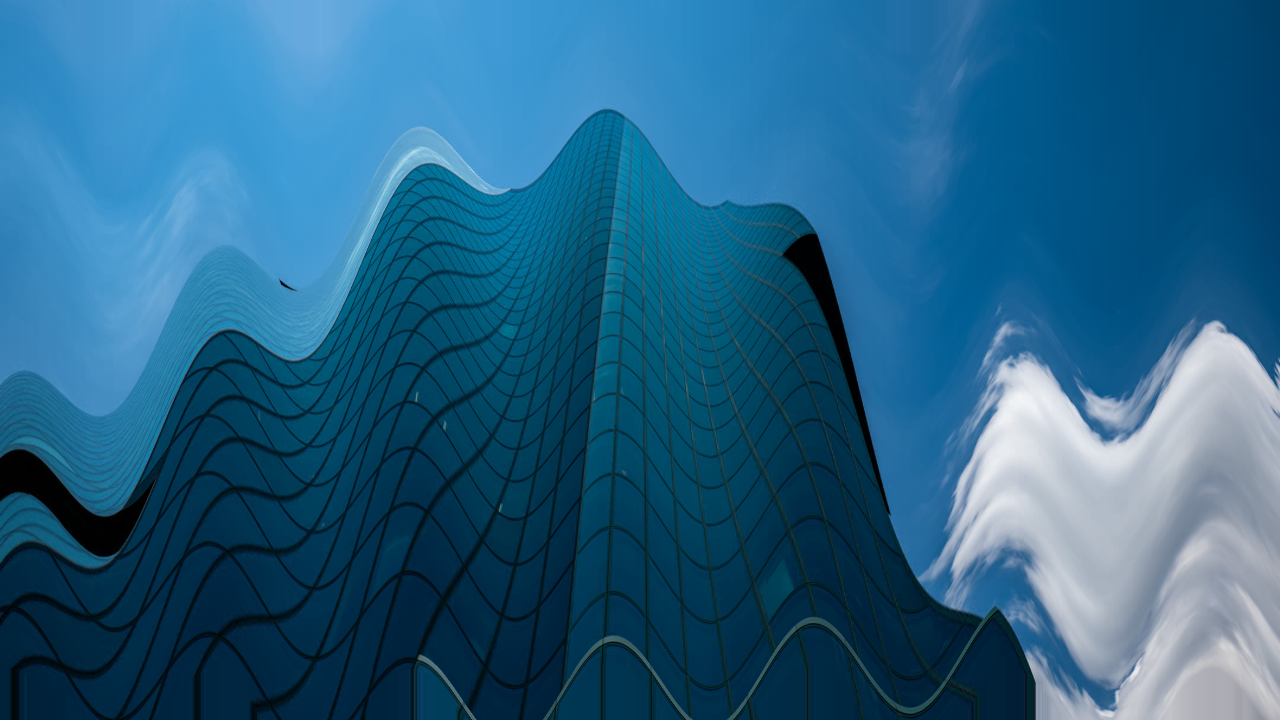
wave()Sine wave distortion
Stylize
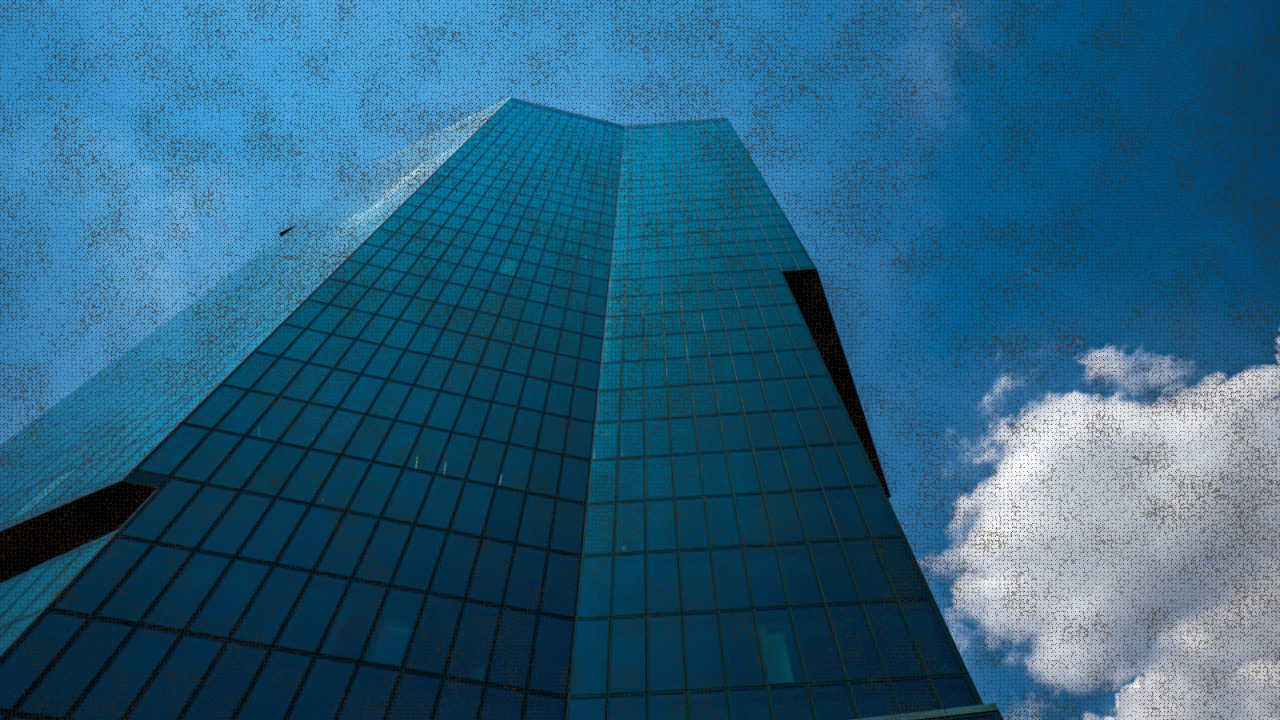
burlap()Procedural woven texture effect
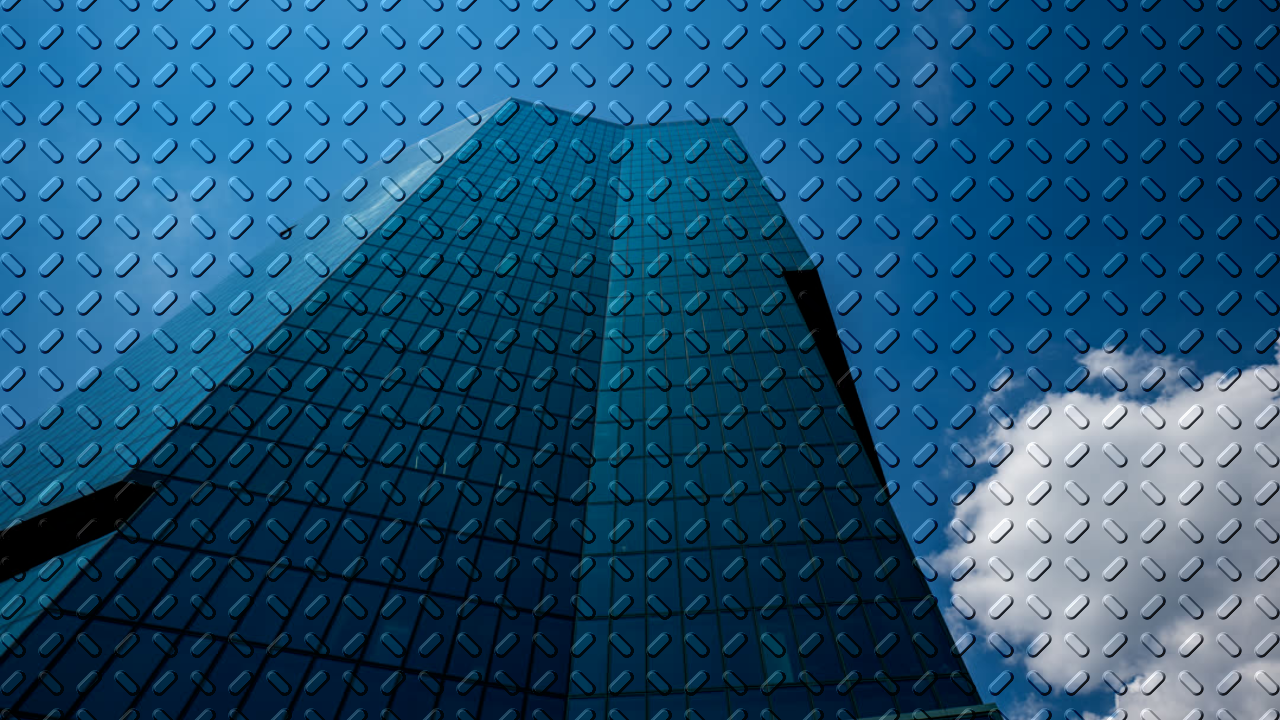
emboss()Procedural raised-line relief
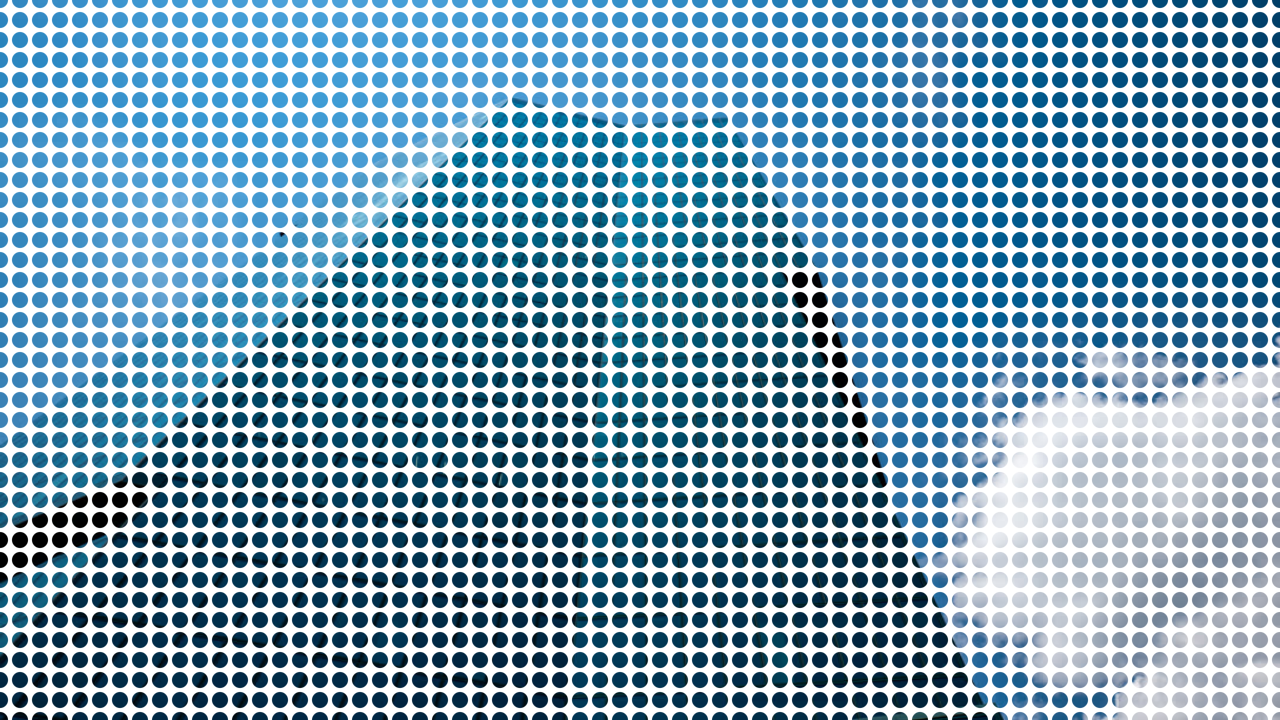
dotGrid()Source-color dot mask effect
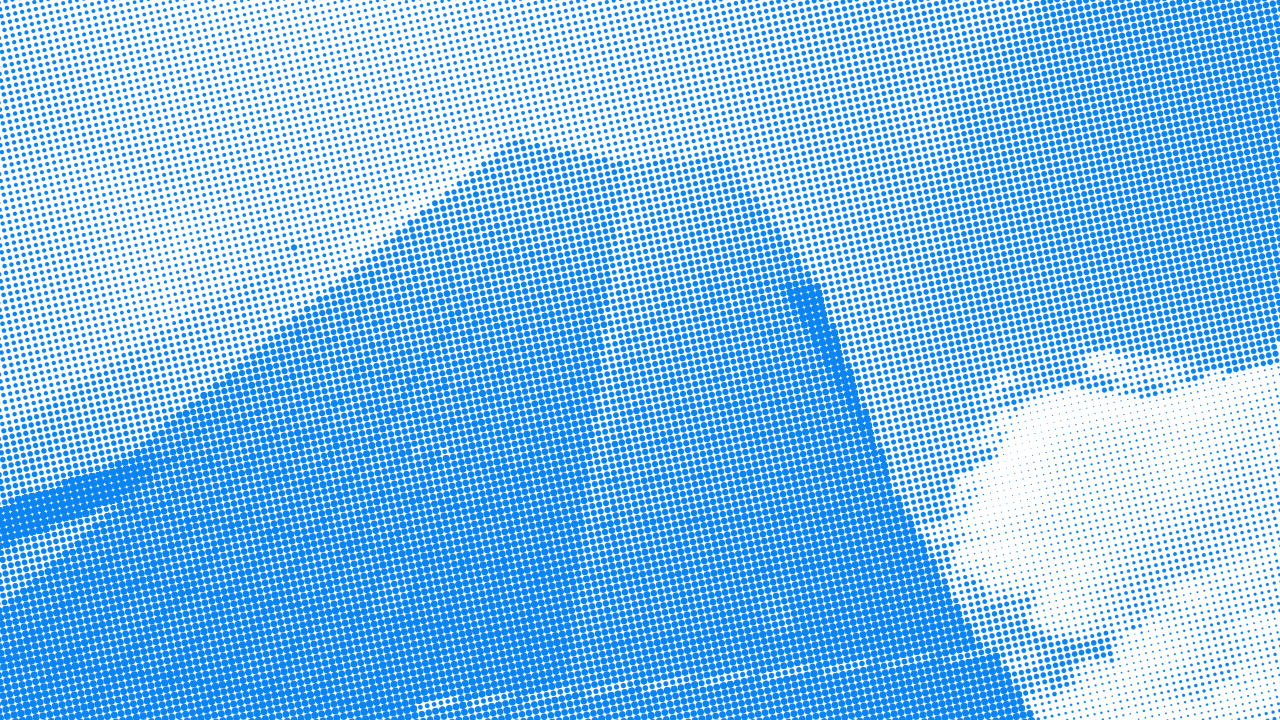
halftone()Source-image halftone effect
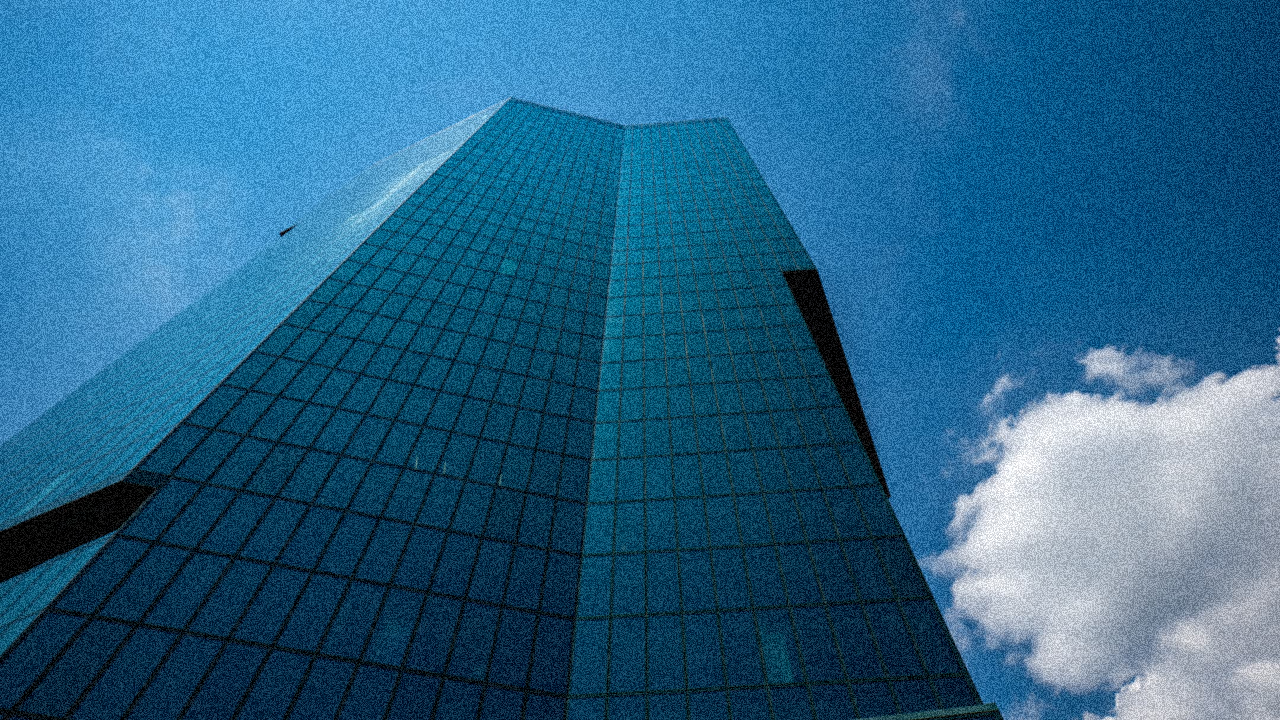
noise()Procedural grain effect
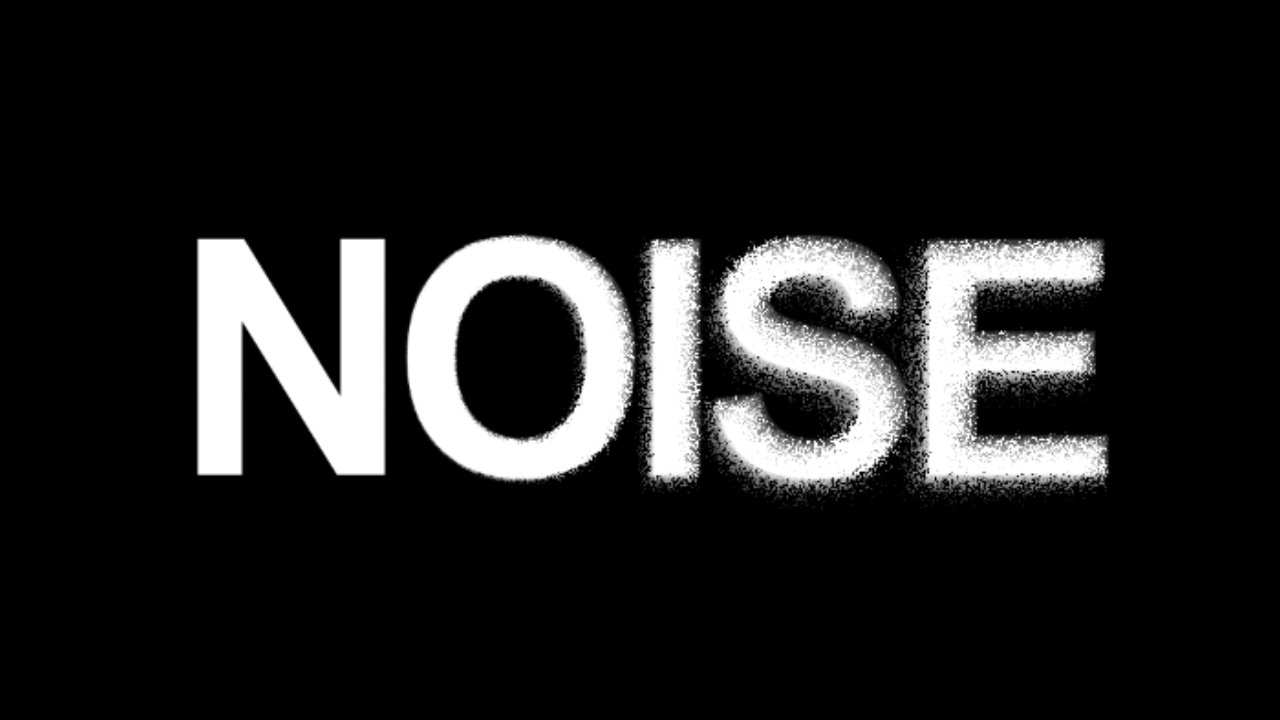
noiseDisplacement()Localized noisy displacement
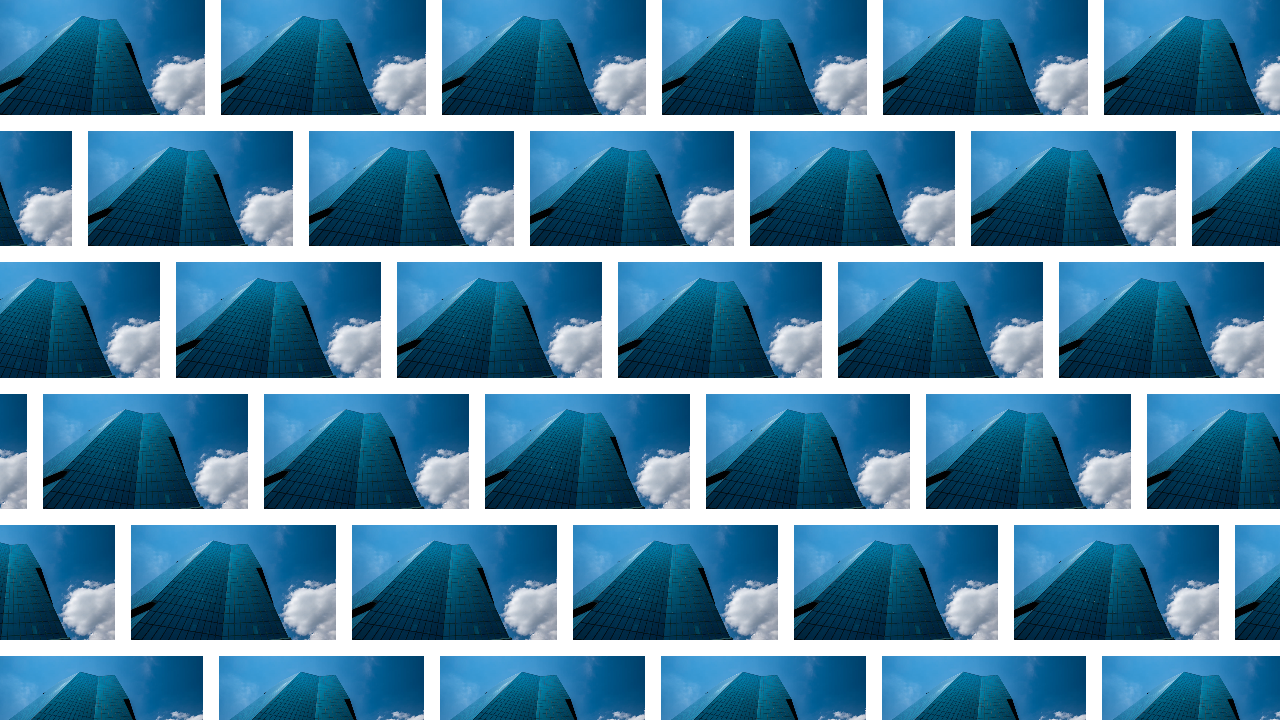
pattern()Repeated source tile effect
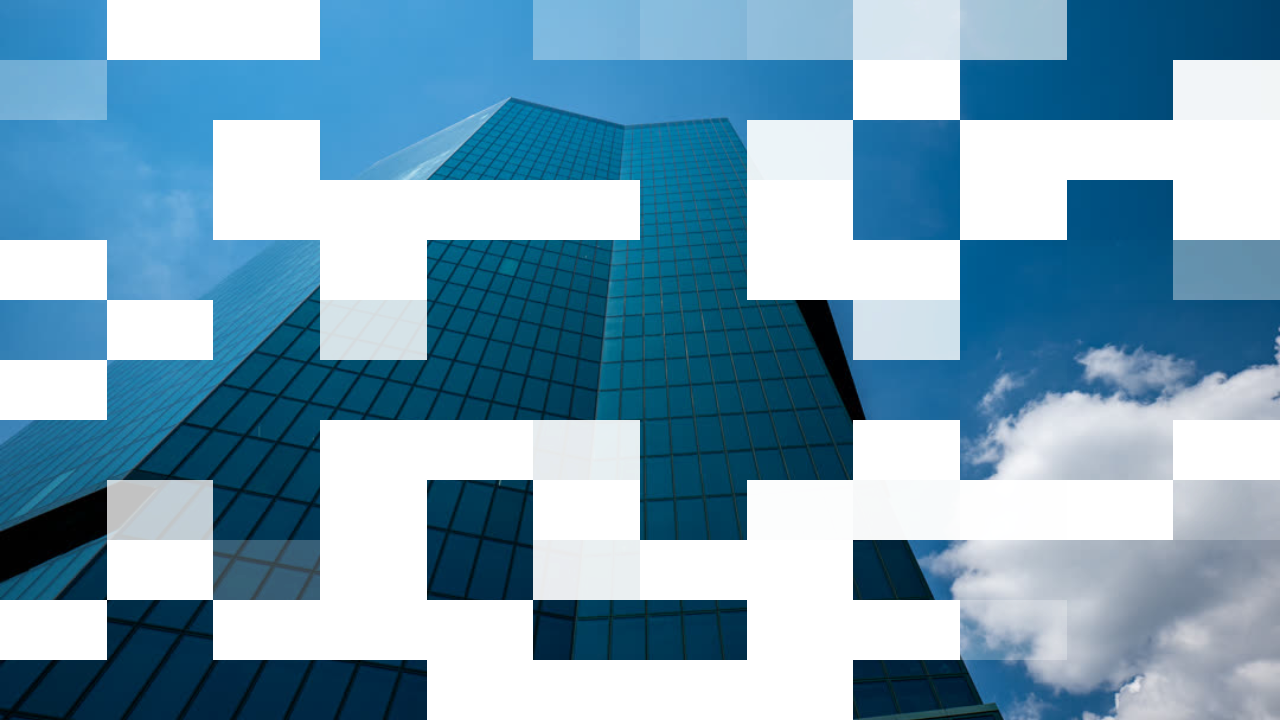
pixelDissolve()Pixelated dissolve effect
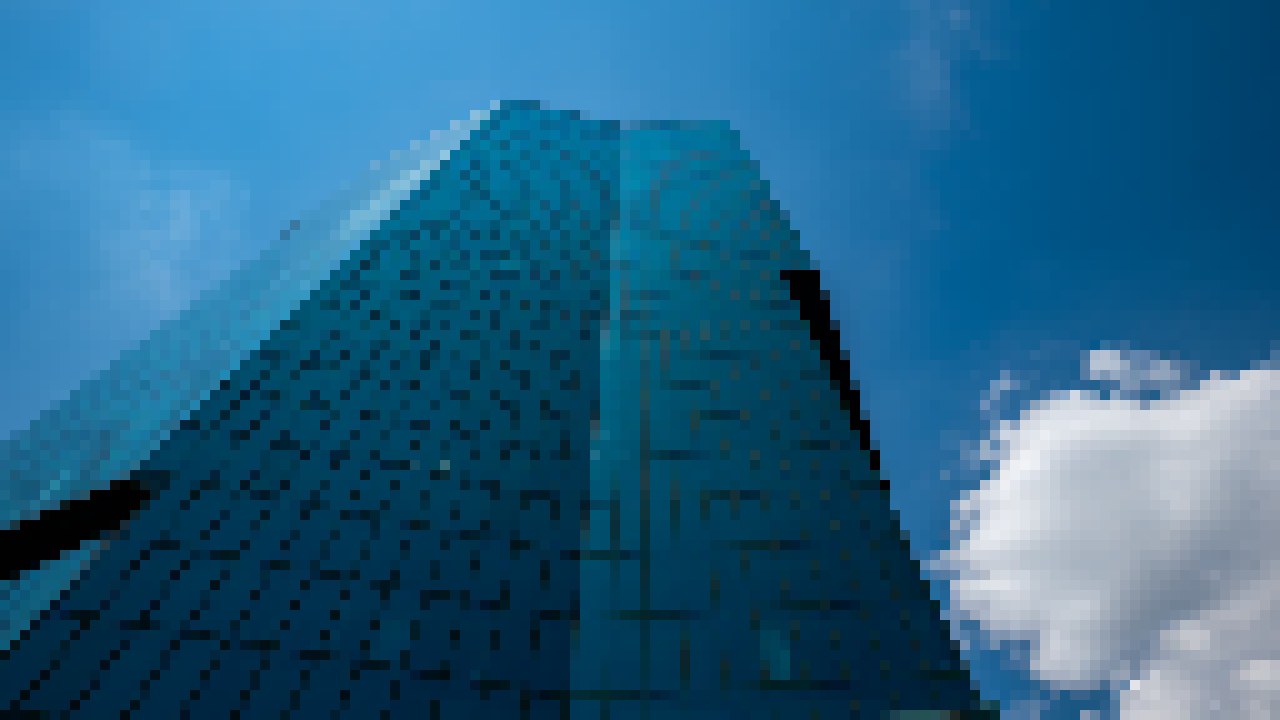
pixelate()Pixelation effect
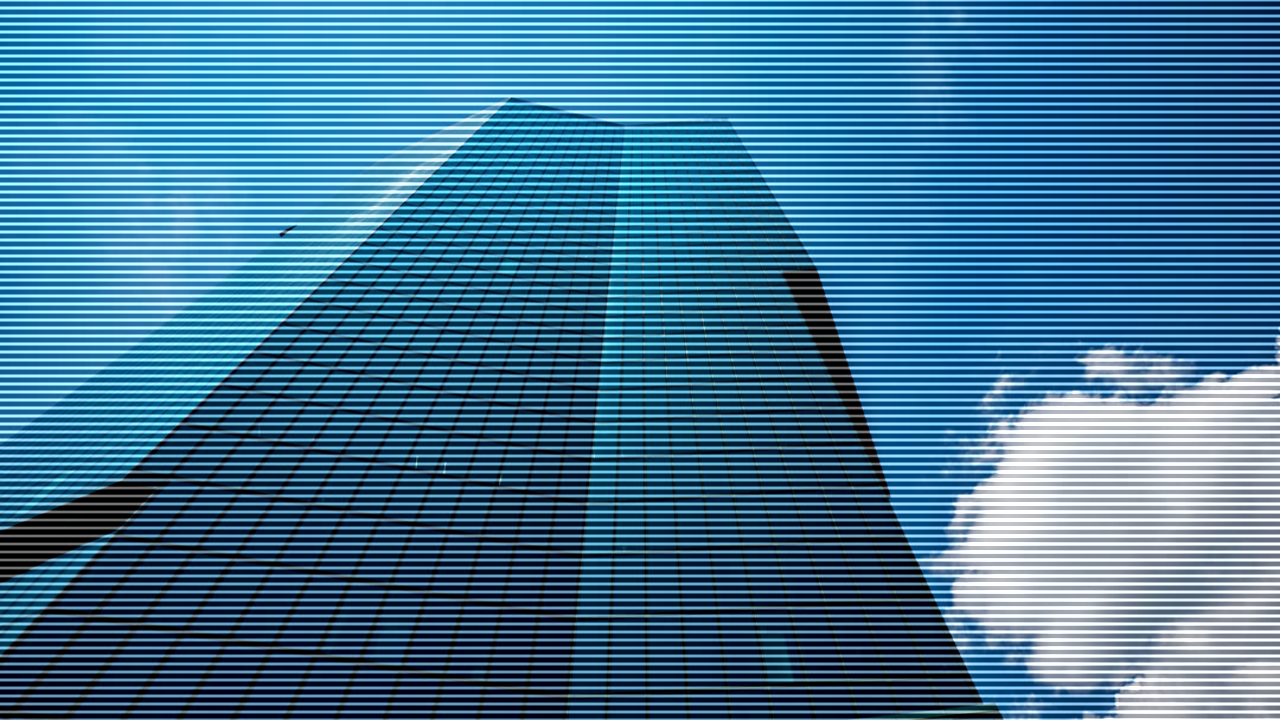
scanlines()Additive horizontal scanlines
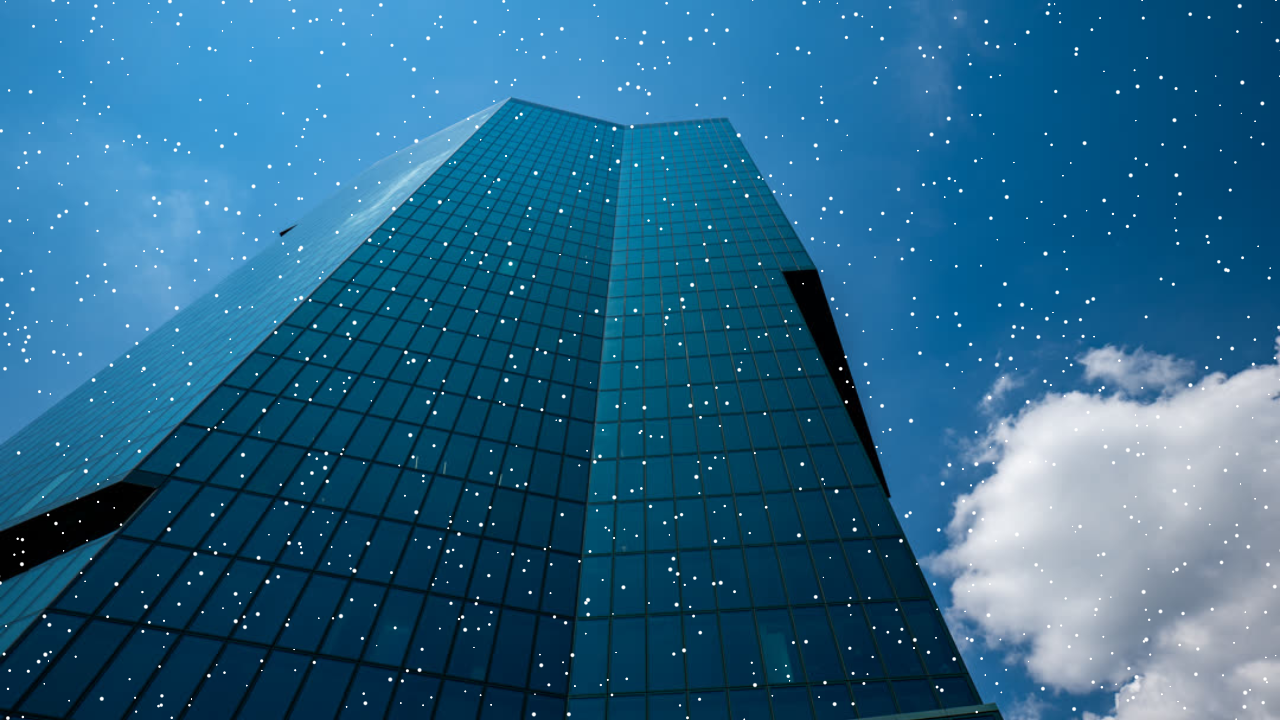
speckle()Random alpha-hole effect
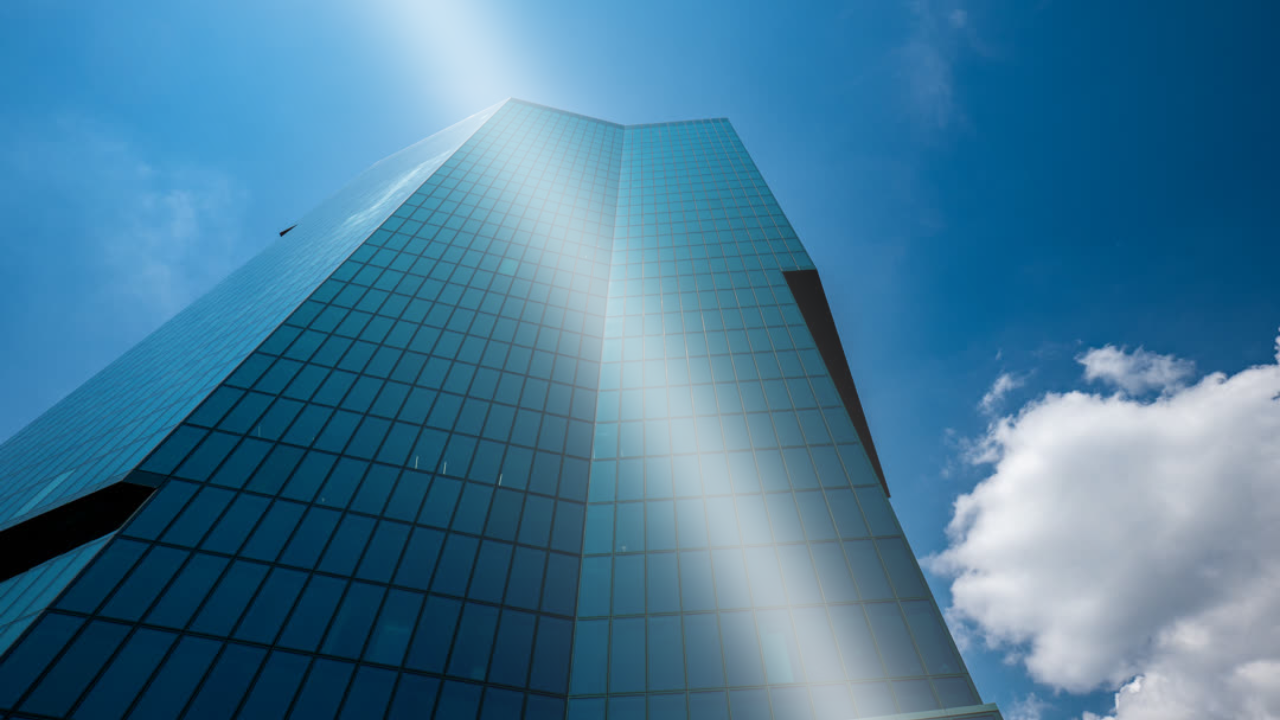
shine()Glossy light sweep effect
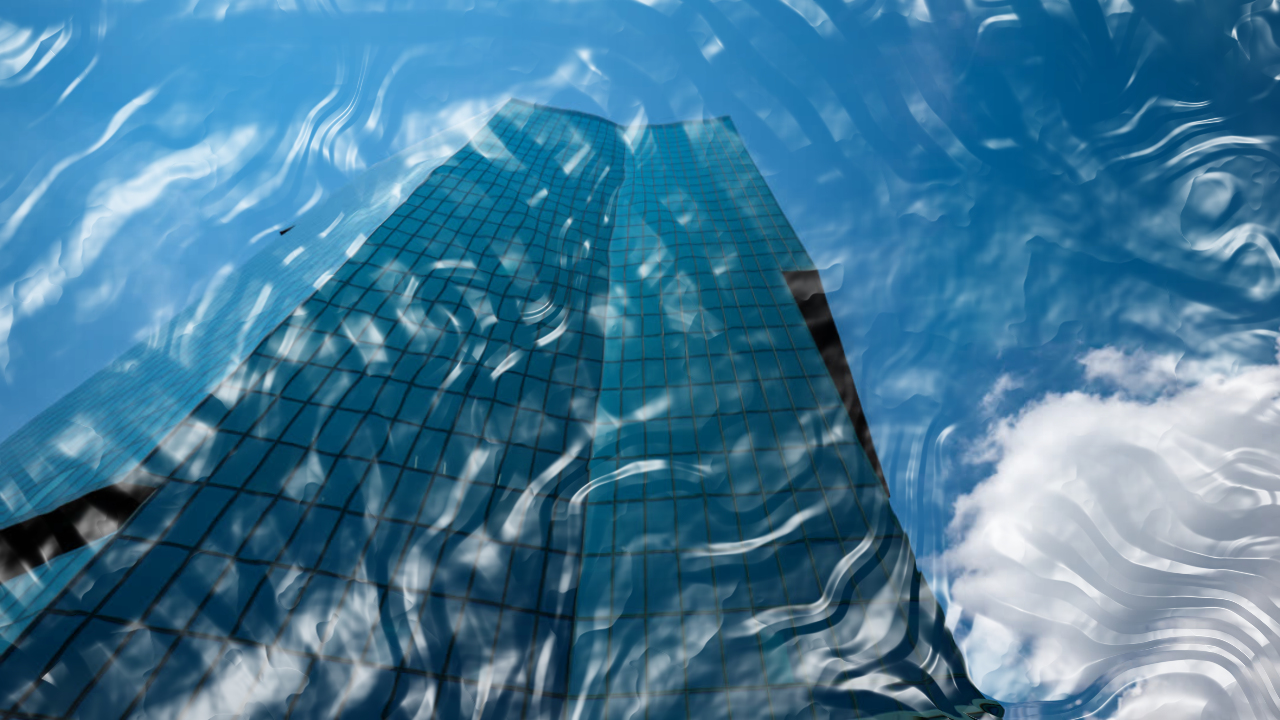
shrinkwrap()Procedural plastic wrap effect
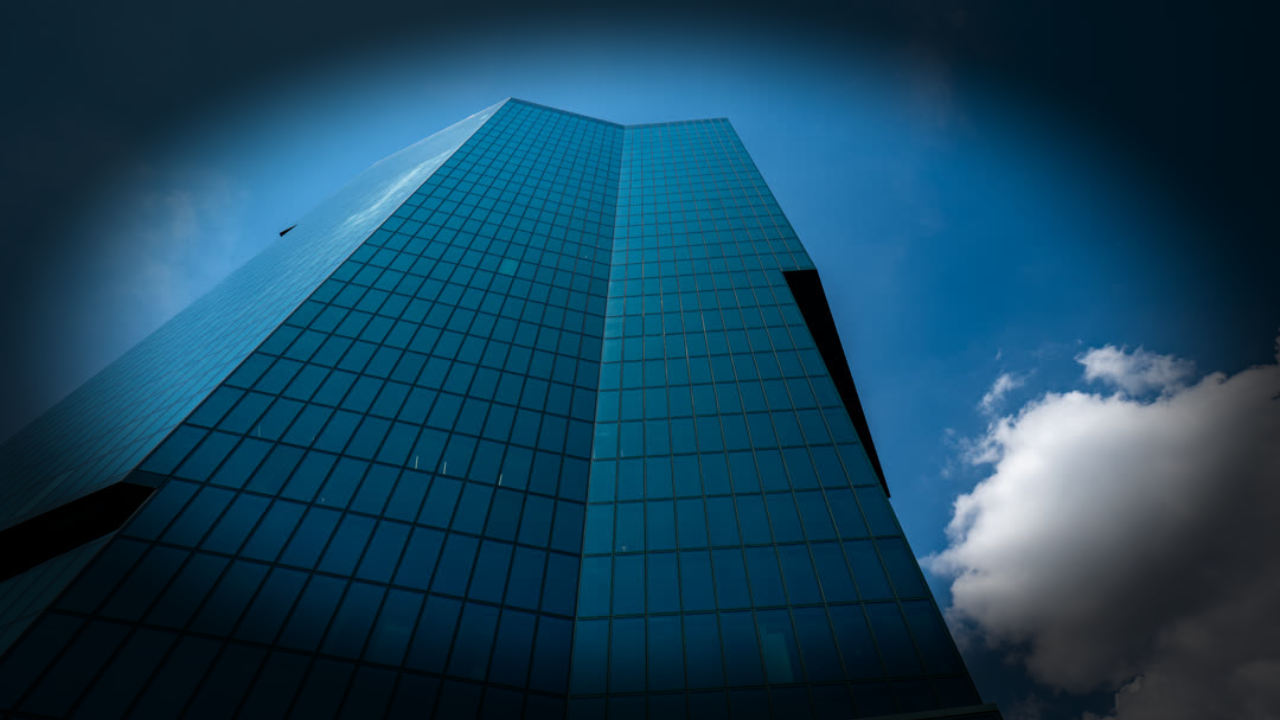
vignette()Edge darkening or transparency effect
Generate
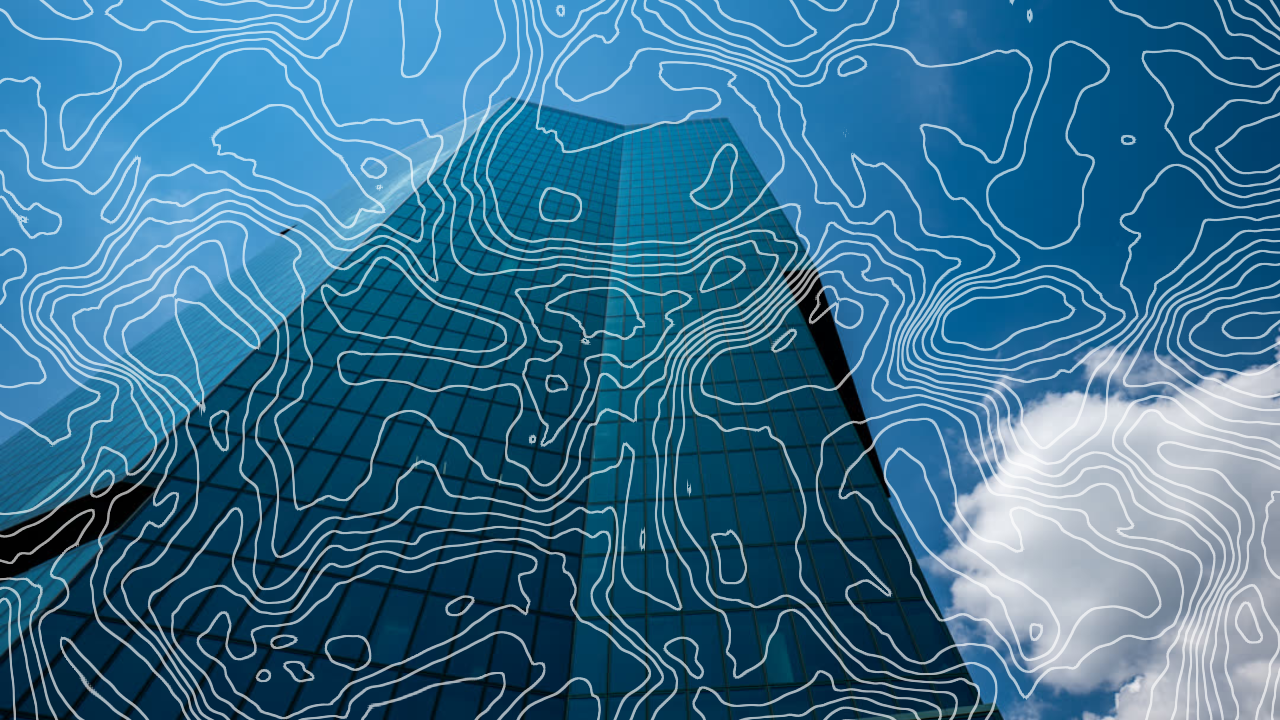
contourLines()Topographic line overlay effect
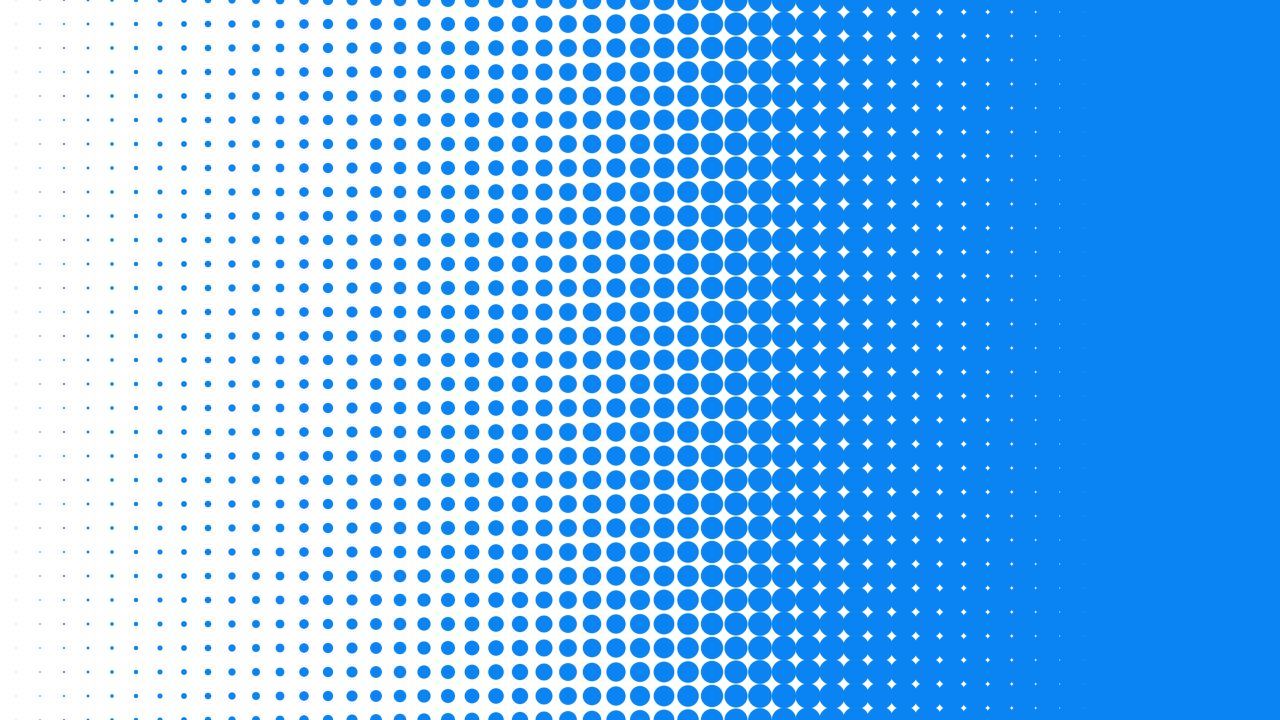
halftoneLinearGradient()Procedural dot gradient effect
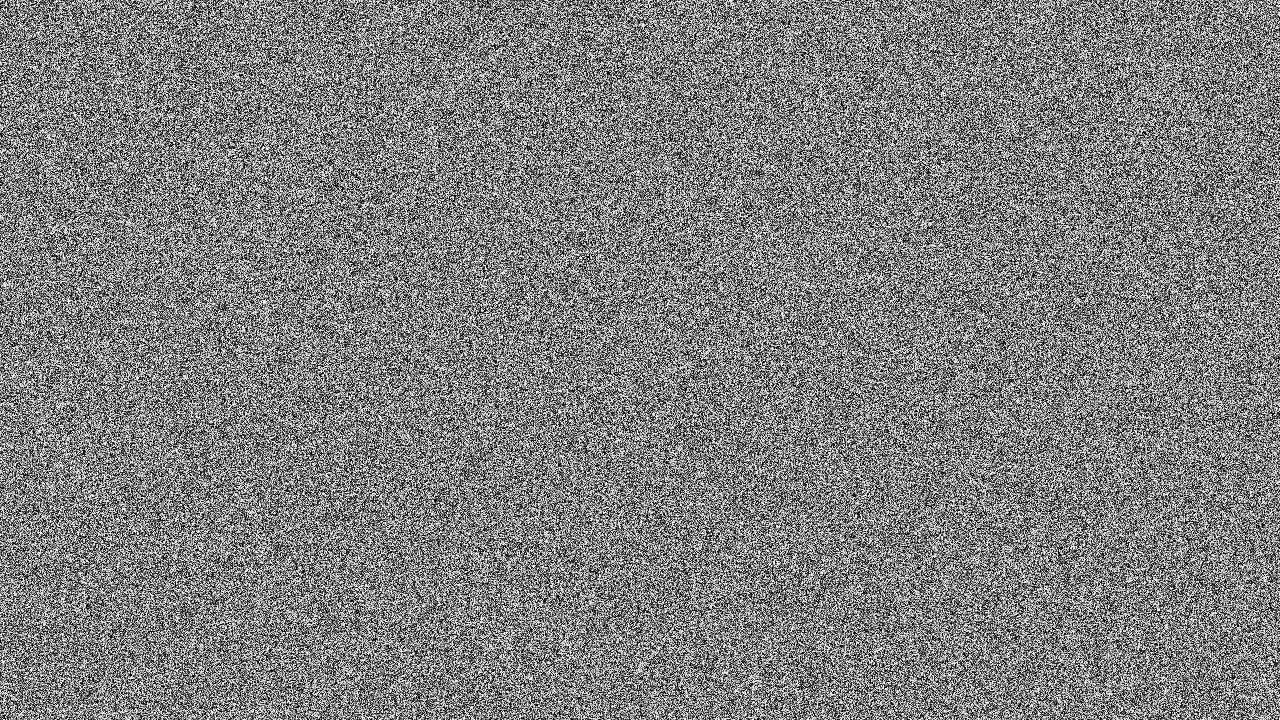
whiteNoise()Random grayscale noise layer
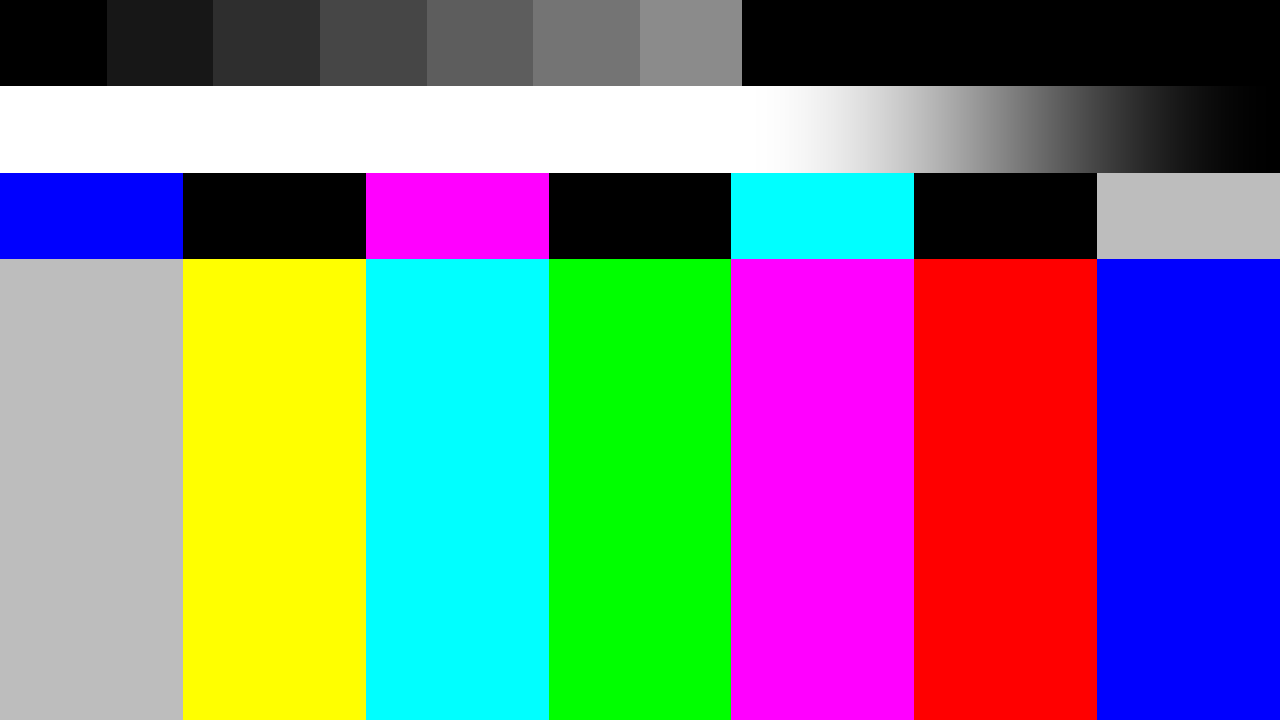
tvSignalOff()TV color bars test pattern

lines()Alternating line pattern effect
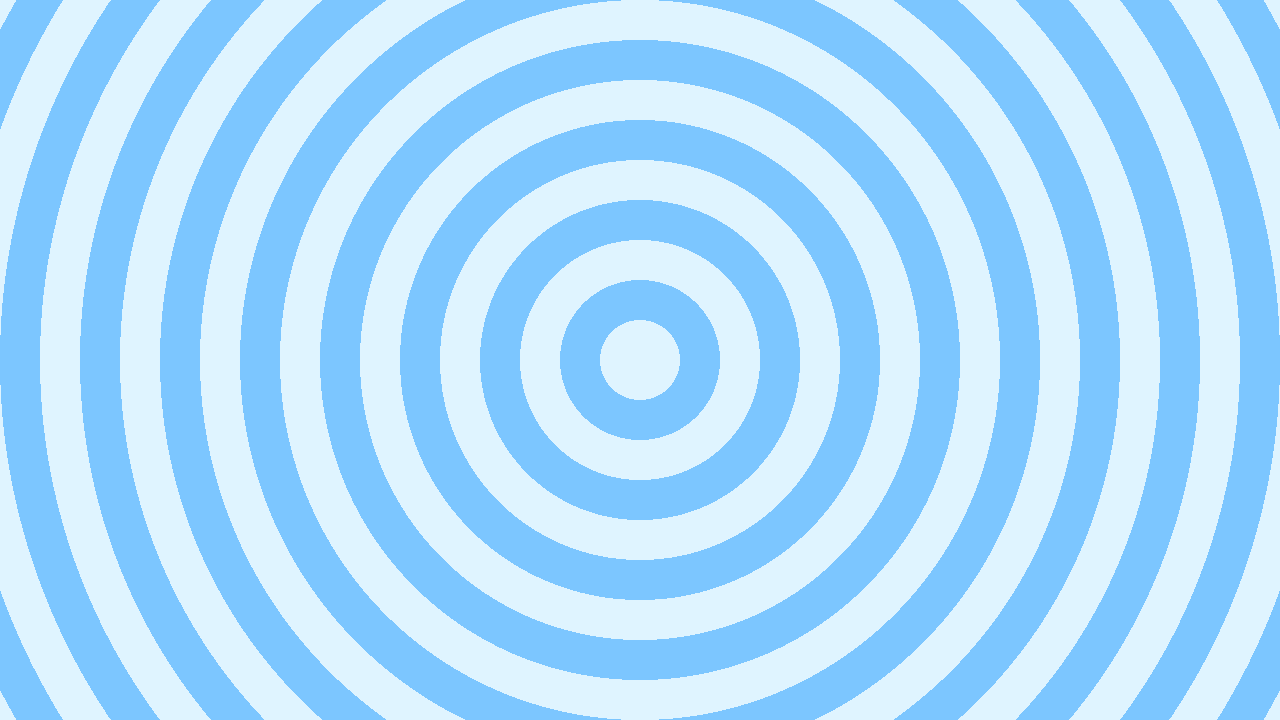
rings()Concentric ring pattern effect
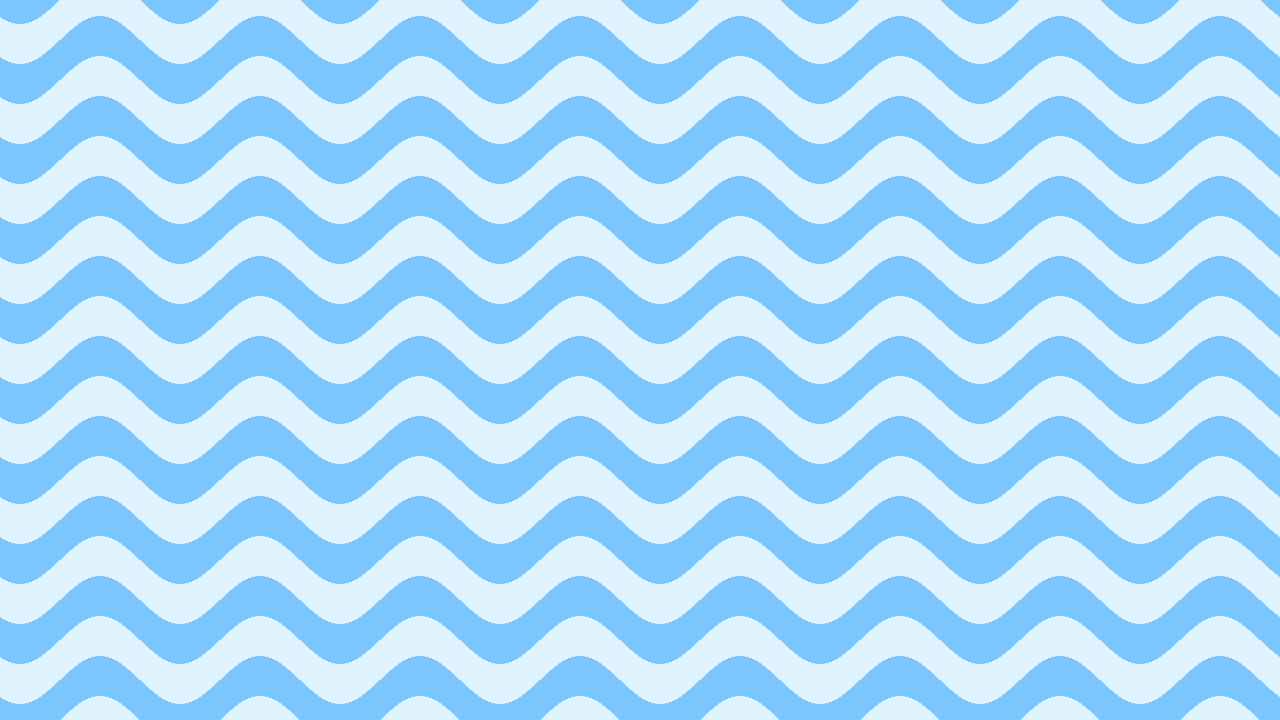
waves()Wavy band pattern effect
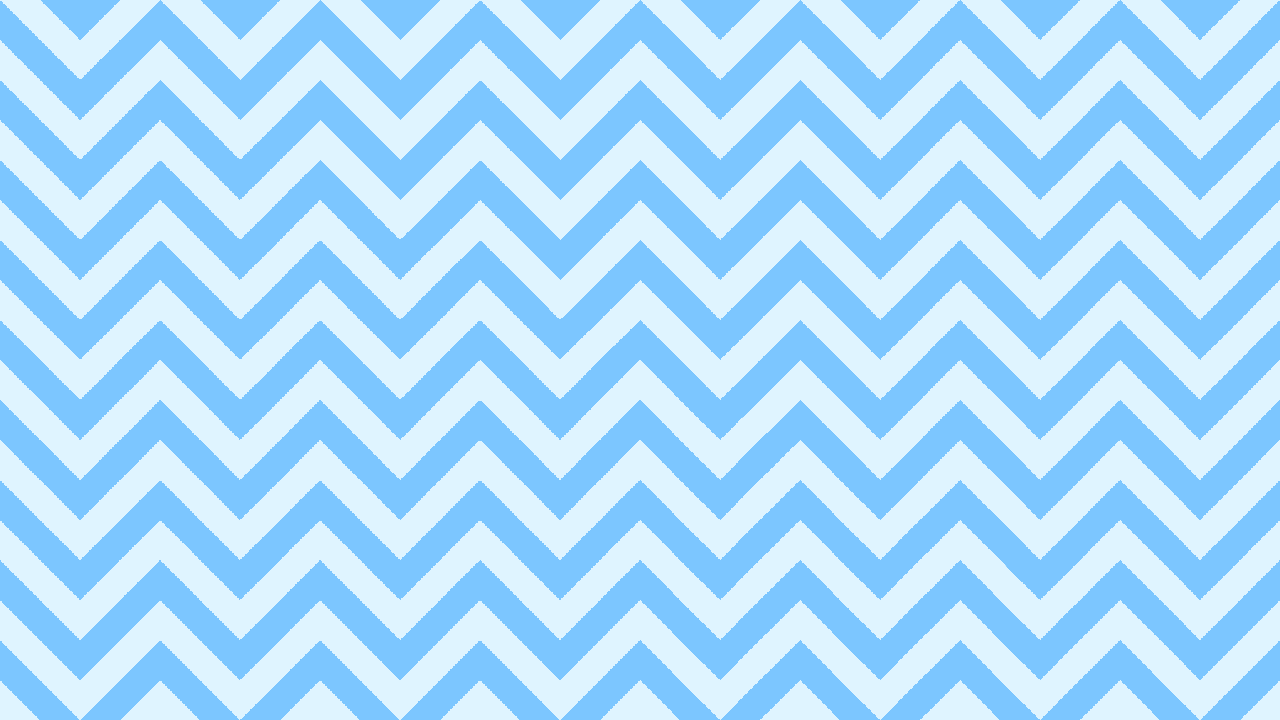
zigzag()Zig-zag band pattern effect

lightLeak()Light leak overlay effect
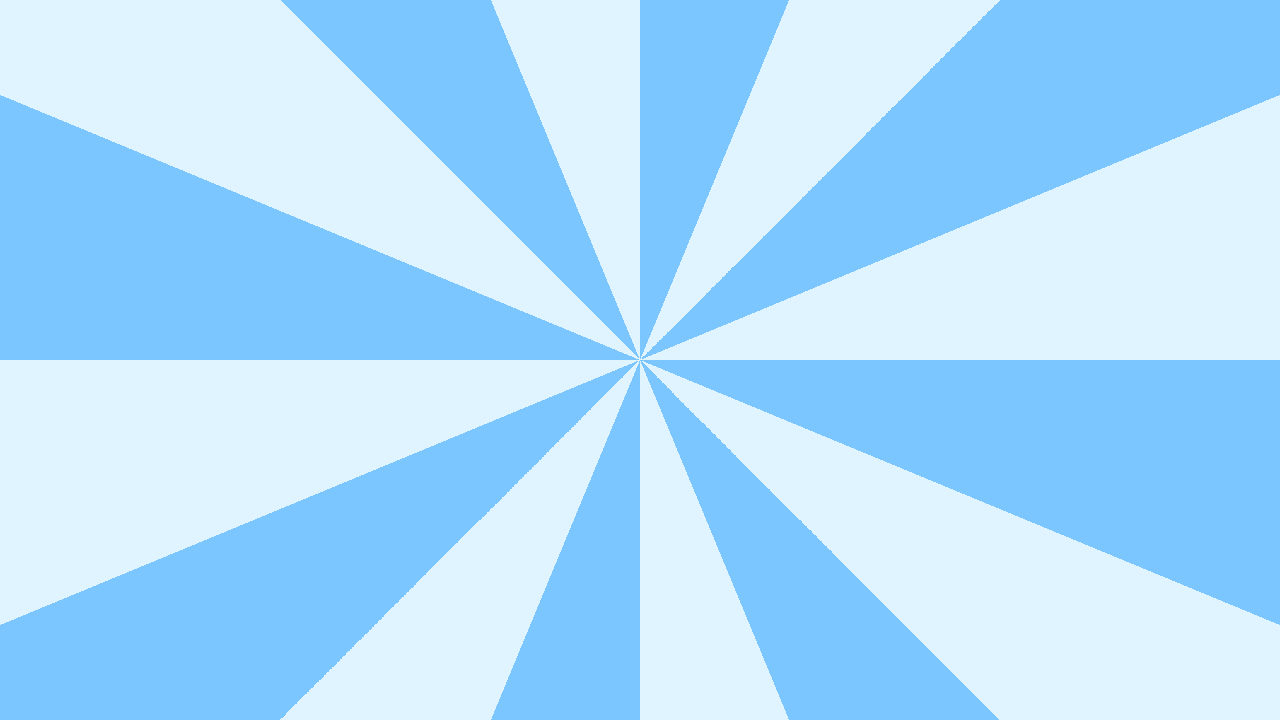
starburst()Starburst ray effect
Visual editing in Studio
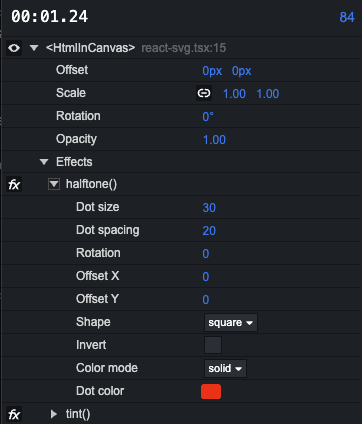
When you select a component with effects in Remotion Studio, you can edit effect parameters in the timeline and toggle effects.
Custom effects
Use createEffect() to create your own effects based on 2D Canvas APIs, WebGL2 or WebGPU and pass them to an effects array.